
 |
With version 9.07 PARTstatistic got two new setting options:
An order consists of a variety of files. Assembly files, part files. Assembly files again contain part files. At 2D CAD formats there are both assembly files and part files for each derivation.
If the option Group as products is activated, the mentioned file types are summarized. However different CAD formats count separately.
Part type: Via the Part type option you can differentiate between assemblies and parts.
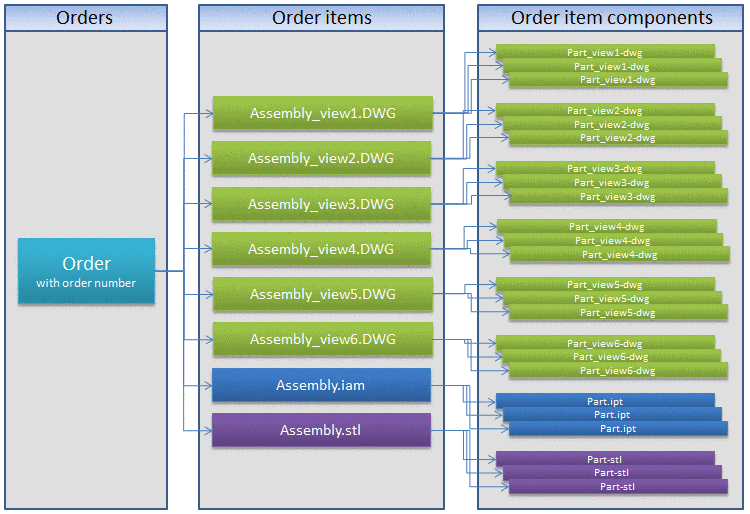
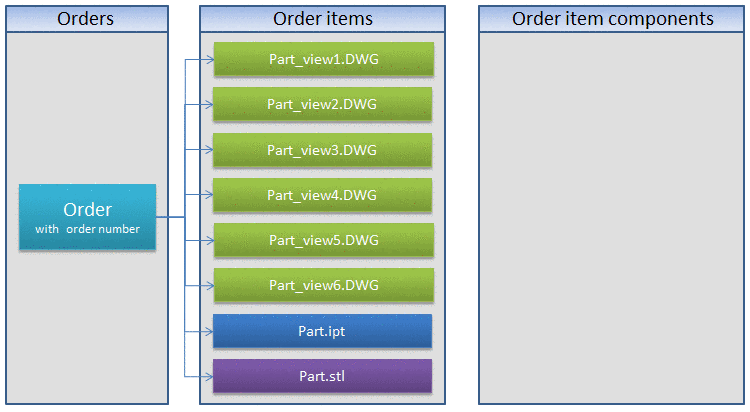
At statistic type Distribution CAD systems for example the difference becomes obvious.


You can find detailed information on this under PARTstatistic.