
1.14.1.3.2.
PARTdesigner
1.14.1.3.2.6.
Historique 3D: Fonctionnalité Blend : sélection en direct des faces et des arêtes |  |
| Précédent | Suivant |
L'objet Blend est désormais une fenêtre d'amarrage et l'accès à la vue 3D est possible même s'il est actif.
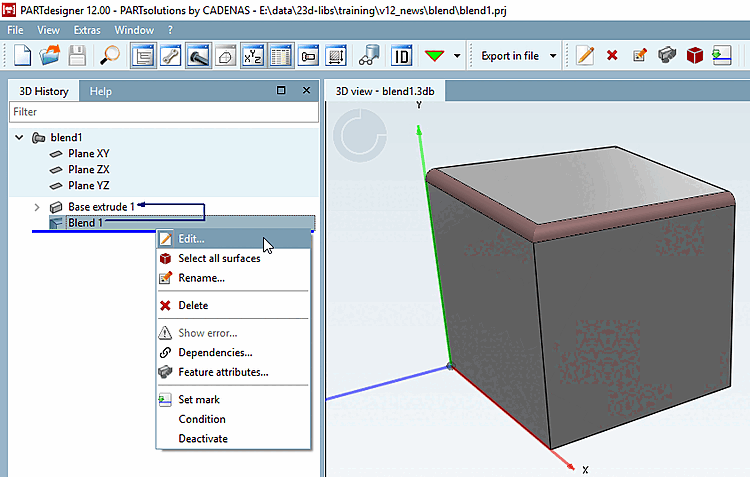
Exemple : Situation de départ un cube avec 2 arêtes arrondies.
Ouvrez à nouveau le blend en cliquant sur Editer.... [Edit...]
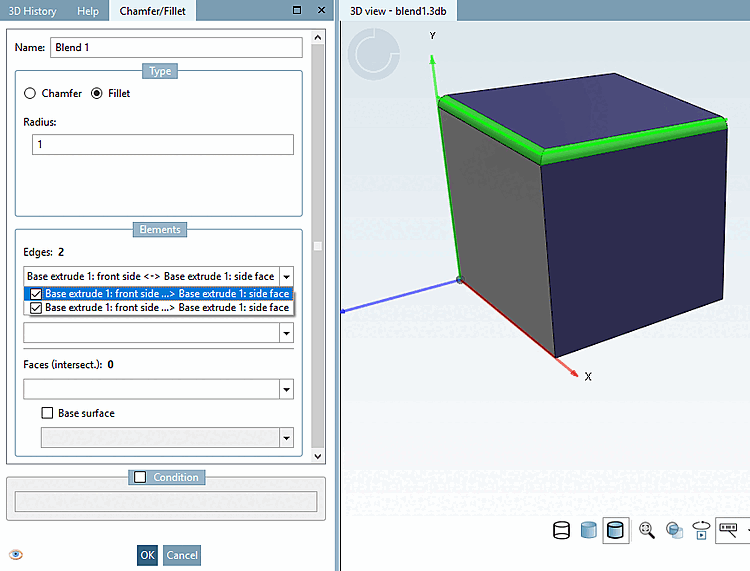
-> La fenêtre d'arrimage chanfrein/arrondi [Chamfer/Fillet] s'ouvre.
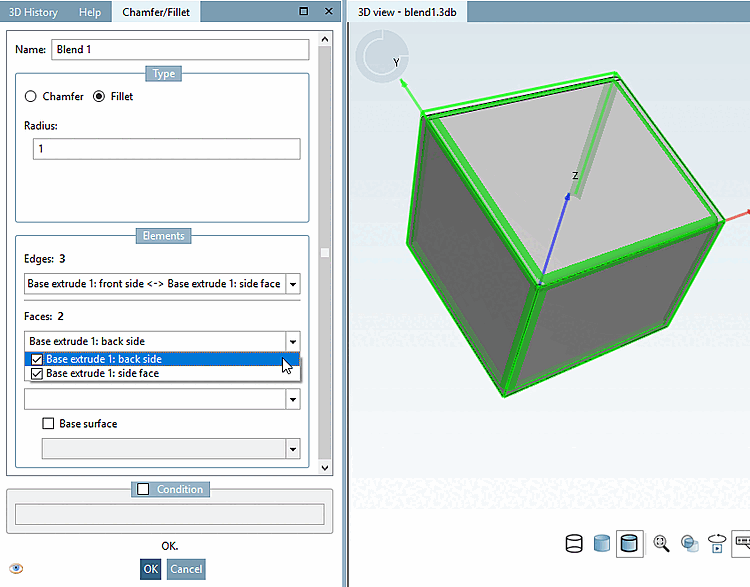
Vous pouvez maintenant sélectionner d'autres arêtes et faces pendant que la fenêtre d'ancrage est active. Les arêtes et faces sélectionnées sont directement ajoutées à la fonction de fusion.
La désélection s'effectue en décochant la case de sélection correspondante dans les zones de liste Arêtes [Edges] et Surfaces [Faces].
Pour des informations détaillées sur la fonction Blend, voir Section 7.6.2.12, « Blend ( ajouter un chanfrein/arrondi...) » in eCATALOG 3Dfindit.