
1.1.
Attribution des articles (remplissage initial de la LinkDB)
1.1.11. Liens
Exporter vers un fichier CSV |  |
| Précédent | Suivant |
Pour l’exportation vers un
fichier CSV, cliquez sur l’icône Exporter en CSV [Export to CSV]
 .
.
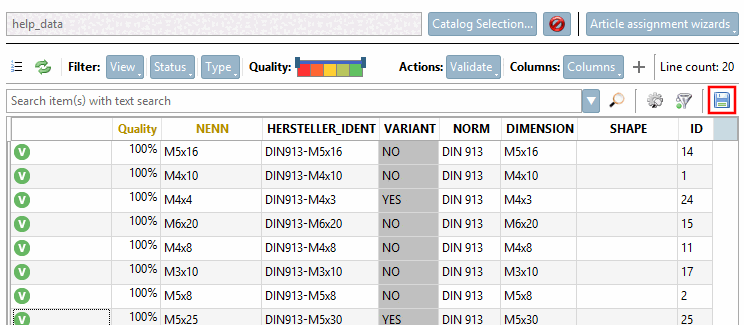
-> La fenêtre de dialogue « Exportation CSV » s'ouvre.
![Exporter les liens attribués [Export assigned links] - Type « Valide [Valid] »](https://webapi.partcommunity.com/service/help/latest/pages/fr/partsolutions_admin/doc/resources/img/img_c0fed761d0e342f993963bbbe27a1a8d.png)
Un paramétrage courant consisterait à activer l'option « Exporter les liens attribués [Export assigned links] » avec Type = Valide [Valid]. Vous pouvez toutefois également exporter uniquement la vue actuelle ou filtrer par statut, type, affinité ou qualité .