
 |
![[Note]](https://webapi.partcommunity.com/service/help/latest/pages/fr/partsolutions_user/doc/images/note.png)
The dialog area is subdivided into four tabbed pages:
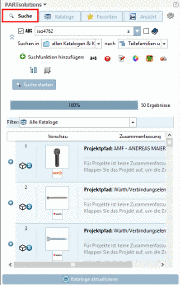
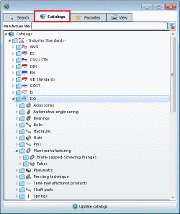
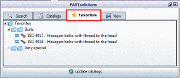
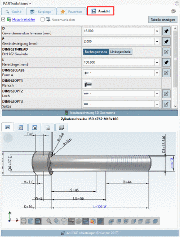
Find the desired part via Full-text search, Variables search, Geometric search (3D), Sketch search (2D), Color Search or Topology search.
Find the desired part via browsing through the directories of supplier catalogs, own part catalogs or classifications.
Transfer the desired part into your CAD system directly form your favorites.
Check or determine the correct characteristic via Variable values in the single list fields.
Check the part in the 3D view and create 2D derivations if needed. Have a look on Technical details and Links to related parts.
On the tabbed pages Search, Catalogs and Favorites, you can find the command Update catalogs below.
On the tabbed page View, you can find the command Export to CAD below.