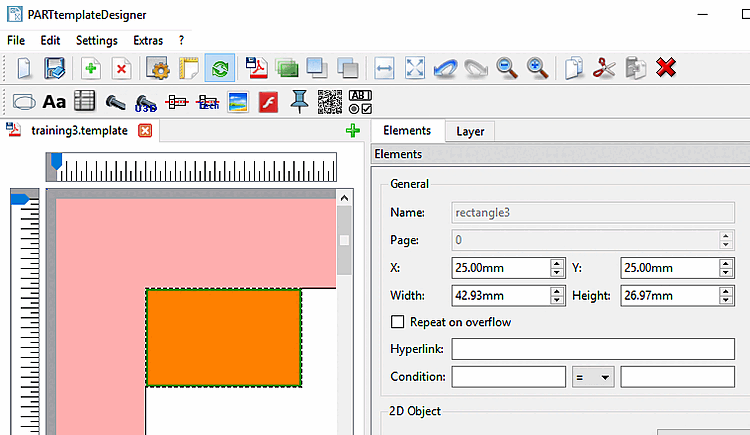
Créer des éléments [Elements]:
Cliquez sur l'icône souhaitée dans la barre d'outils :
Dessinez la zone d'éléments avec le curseur à la position souhaitée du modèle. (Un positionnement approximatif est tout à fait suffisant, car vous pouvez déterminer la position et les dimensions exactes ultérieurement via la zone de dialogue).
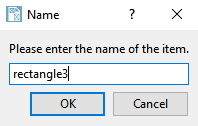
Attribuez un nom unique à l'élément et confirmez la saisie en cliquant sur .
-> La zone de dialogue Éléments [Elements] apparaît avec les options de réglage spécifiques (soit en tant que docking, soit en tant que fenêtre unique).
Ajustez la position et la taille de l'élément et effectuez les autres réglages.
Vous trouverez des informations détaillées à ce sujet dans les différentes sections :
Modifier des éléments [Elements]:
Sélectionnez l'élément souhaité dans le modèle.
-> Vous reconnaissez la sélection au cadre vert clair.
-> La zone de dialogue Éléments [Elements] s'affiche (soit en tant que docking, soit en tant que fenêtre unique).

![[Remarque]](https://webapi.partcommunity.com/service/help/latest/pages/fr/partsolutions_user/doc/images/note.png)