|
For V11 the Partial search has been further developed. Beside small partial segments now special geometrical arrangements are taken into account in addition.
Select one or more single features (plane, cylinder, etc.) and find all parts containing this feature.
In the following the Partial search shall be explained with the help of some examples.
Example 1: Search with partial segment (feature) of a part
Load the reference part in the Part view and then call the Partial search.
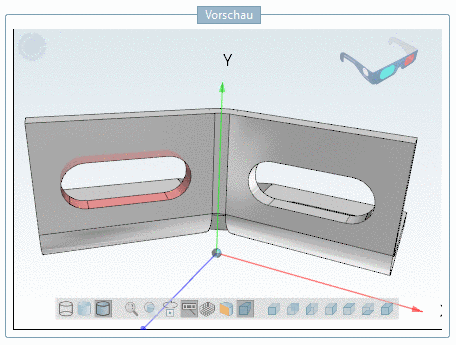
With a single mouse-click, select one or more features.
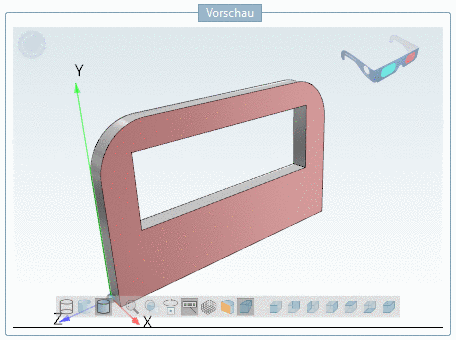
In the example in hand the front plane is sufficient, because it is very distinctive so that just with this single feature matching parts can be found.
-> Selected features are marked with red.
-> Deselection of a feature is done with repeated single-click.
Just as well you can select such a feature in a more complex part.
-> The view changes to Part view again.
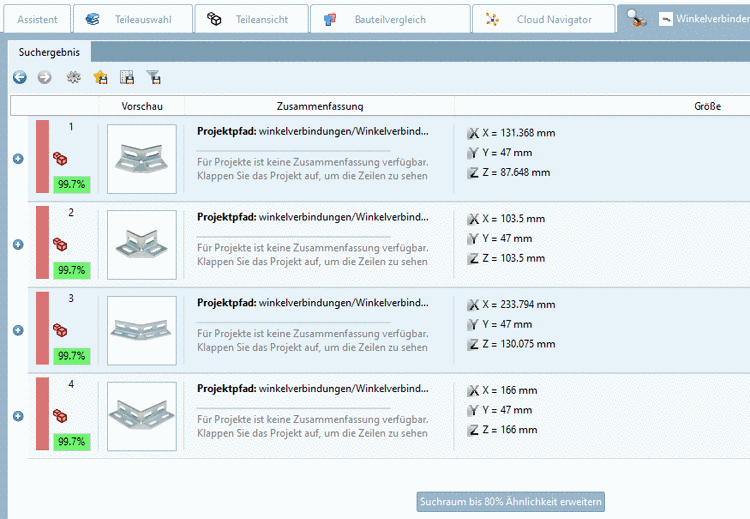
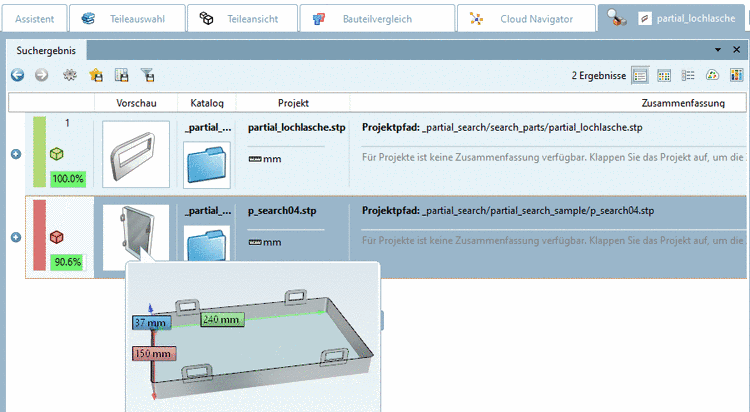
-> The Partial search is activated and is showing the desired part.
-> All parts containing the selected feature are found.
![[Note]](https://webapi.partcommunity.com/service/help/latest/pages/fr/partsolutions_user/doc/images/note.png)


Example 2: Special geometrical arrangement
Special geometrical arrangements are taken into account for the calculation of similarity.