

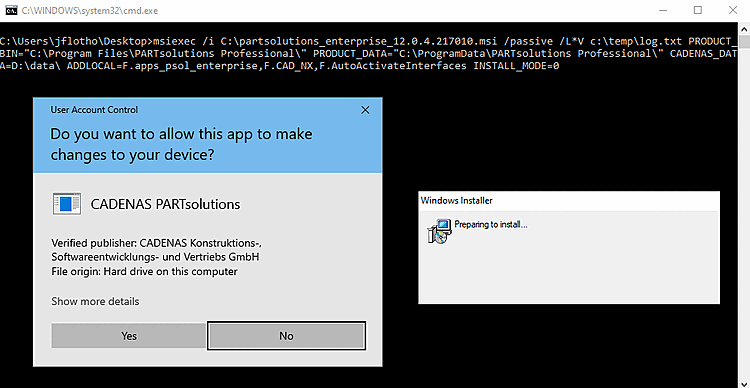
Dès que vous exécutez le fichier batch, l'installation démarre et les fenêtres suivantes s'ouvrent :
![[Remarque]](https://webapi.partcommunity.com/service/help/latest/pages/fr/partsolutions_user/doc/images/note.png)
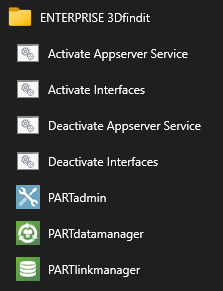
Une fois l'installation terminée, les éléments correspondants du menu de démarrage s'affichent. Les liens Activate Interfaces / Deactivate Interfaces démarrent les scripts batch mentionnés ci-dessus.
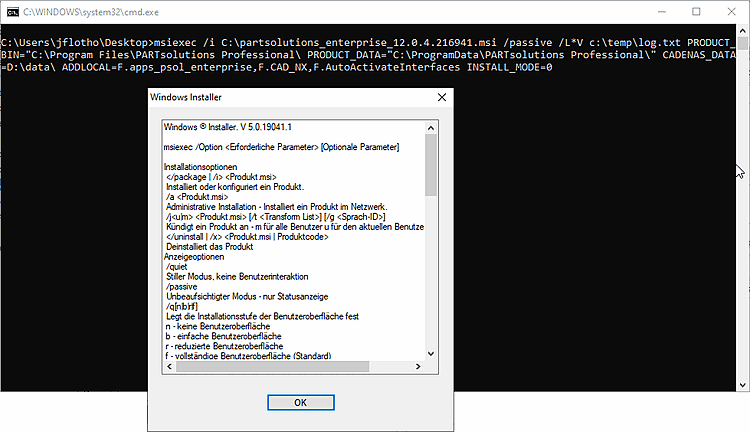
Si l’installation échoue, le
msiexec options. Vérifier
Veuillez saisir les paramètres individuels. Chemins avec espaces, par exemple
doit être placé entre guillemets.
![[Astuce]](https://webapi.partcommunity.com/service/help/latest/pages/fr/partsolutions_user/doc/images/tip.png) | Astuce |
|---|---|
Utilisez le paramètre L*V comme indiqué ci-dessus. Vous verrez les erreurs possibles dans le fichier journal. msiexec /L*V c:\temp\log.txt
| |