6.5.4.1.
Gestion des versions
6.5.4.1.4.
Enregistrer le projet (abandonner le droit de modification)
|  |
| Précédent | Suivant |
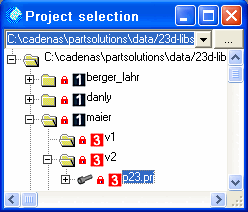
Le projet p23 doit être archivé à nouveau après avoir été traité.
Sélectionner le menu contextuel dans l'arborescence Archiver le projet (abandonner le droit de modification) [Check in project (set read-only)].
Base de départ Action Résultat 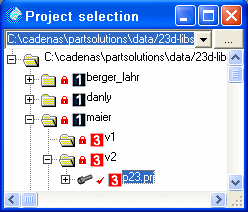
Enregistrer le projet (abandonner le droit de modification) [Check in project (set read-only)]
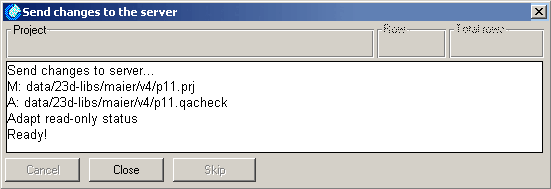
La boîte de dialogue Modifications sur le serveur [Send changes to the server] indique l'avancement de l'action.
Une fois l'action terminée, le symbole du cadenas apparaît à nouveau sur le projet p23.
![[Remarque]](https://webapi.partcommunity.com/service/help/latest/pages/fr/partsolutions_user/doc/images/note.png)
Remarque En abandonnant le droit d'édition, le projet ou le répertoire est automatiquement téléchargé sur le serveur.
Comparer [Compares] avec Section 6.5.4.1.5, « Télécharger les fichiers modifiés du projet sur le serveur ».