
 |
Up to now the
user interface concerning menus, menu items, toolbars, buttons and context
menu commands (especially also for Offline CDs) has been adjusted via
tweak_menuconfig_<appname>.mfg
(also role-dependent when using an ERP integration).
With V10 the mechanism has been completely reworked.
Not only menus and toolbars can be controlled but also context menus.
Standardization of internal concepts: Showing and hiding buttons can be managed via scripts now.
Hierarchical mechanism of action: Different modes can be applied. These can be selected under Extras menu -> BEGINNER/STANDARD/PROFESSIONAL. You can specify separately for each mode which buttons, menu items and context menu items shall be shown. These modes act as an additional filter for roles.
If you installed the PLDBDEMO database or have the Sales Offline version available have a look on the different settings for toolbars, menus and index tree context menus when logging in as user "mechanical".
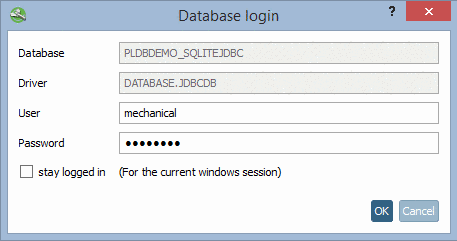
The roles "Leave sucker" and "Hedge Shear" have full menus (e.g. Admin):
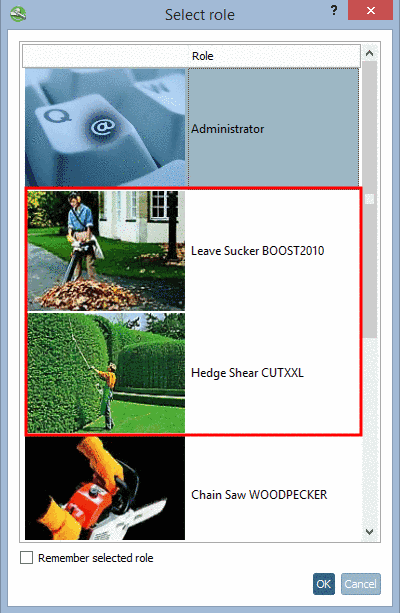
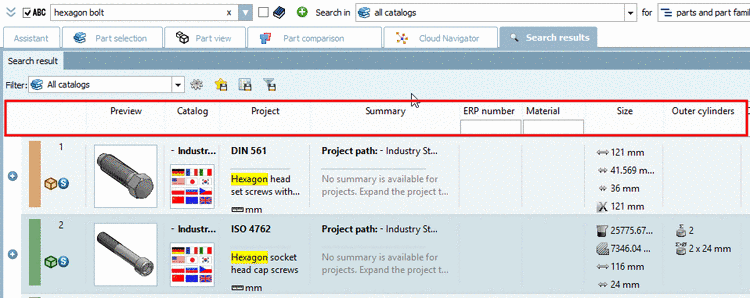
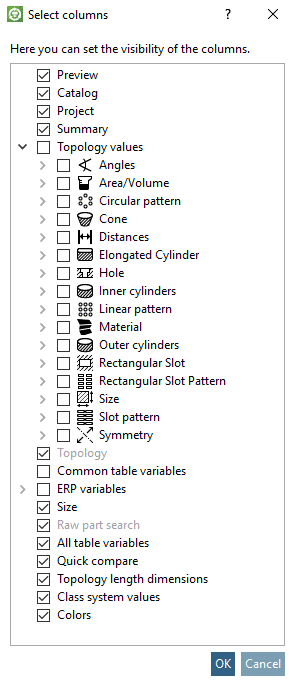
The role "Chain saw" is reduced (e.g. CAD user):
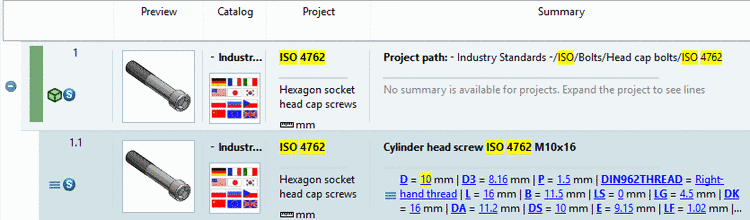
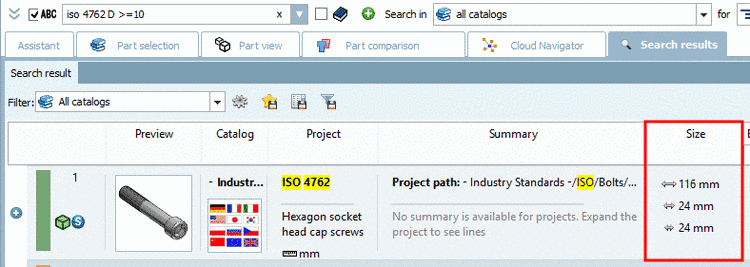
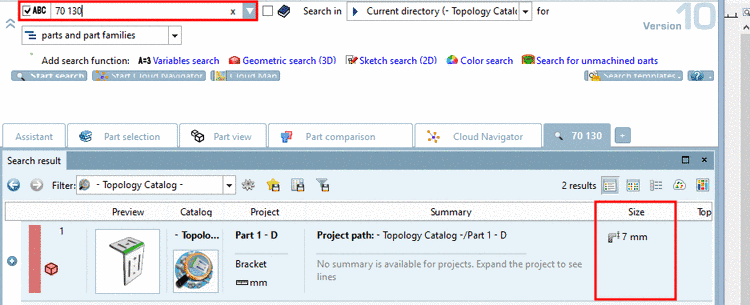
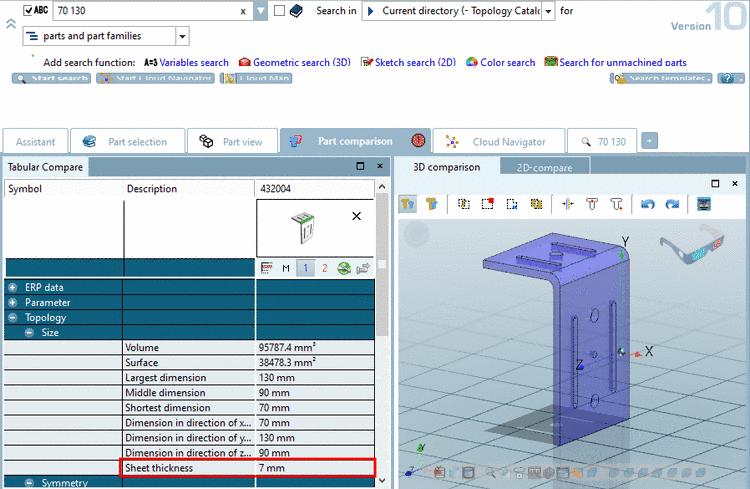
The role "Tooling" still more reduces (e.g. purchaser, does not need Export functions):
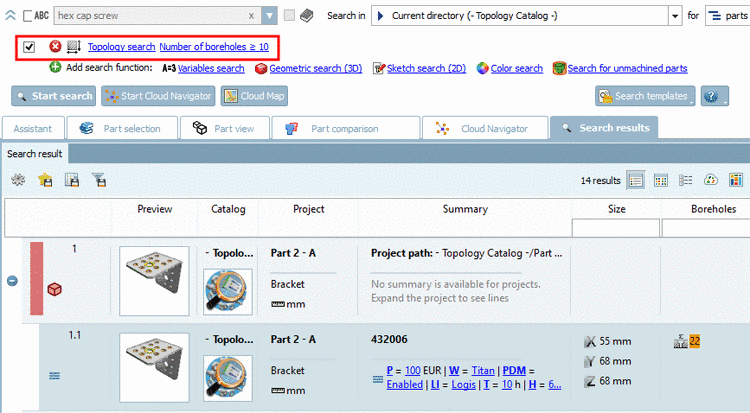
All settings are based on two configuration files:
Base structure of menus (menustructure_PARTdataManager.cfg)
With this the structure of menus and toolbars and their content can be specified, meaning the potential maximum of the installation.
The File menu looks like this by "Standard" for example:
FileMenuName=FileMenu
FileMenu=Title=&Datei
FileMenuContent=FileOpen,FileSaveTemplate,-
,actionRecentFilesList,-
,FileSearch,FileSearchGeo2D,FileSearchGeo3D,FileSearchTopo3D,-
,FileExit
Furthermore the sequence of toolbars, for the first start, can be specified. '\n' means new line.
toolbarOrder=Standard,Assembly,Details,Export,\n,IndexTree,LinkDatabase,Addsap
Role-dependent settings (menuvisibility_PARTdataManager.cfg)
With this you can specify which menu items and toolbars shall be visible in which roles. You can build groups first, so that you don't have to perform settings separately for each role:
[TYP_A]
FileOpen=true
FileSearch=true

[TYP_B]
FileSearch=true

[ROLES]
ADMIN=TYP_A
NORMADMIN=TYP_A
CADUSER=TYP_B
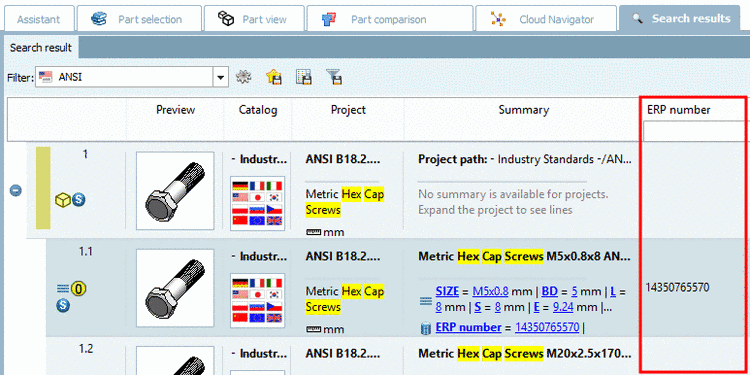
Details on this can be found under Section 1.7.8.2, “ Tweak menus, menu items, toolbars, buttons and context menu commands ” in PARTsolutions - Administration Manual.