

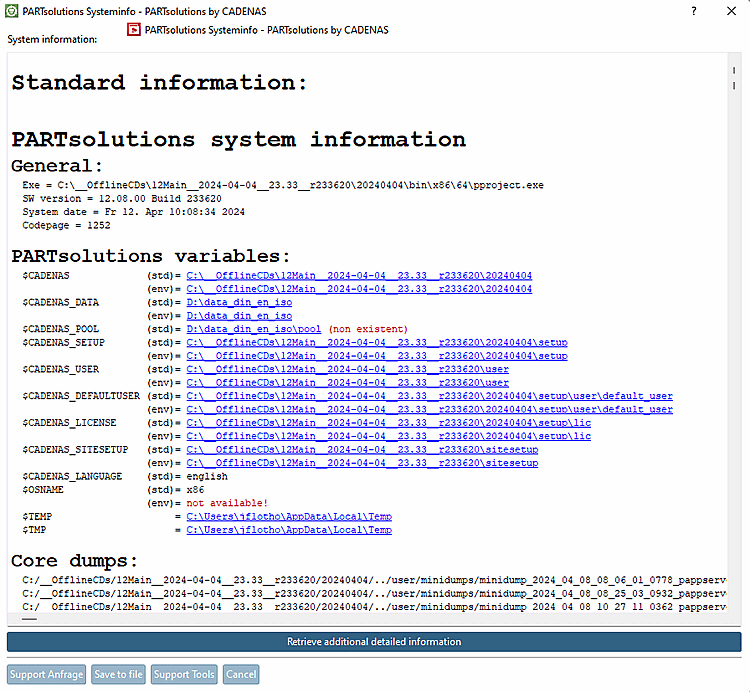
Ouvrez le menu Aide [Help] ou ? Menu > Info système/Support [System info/Support] (ou touche F7) pour ouvrir la boîte de dialogue Info système 3Dfindit - 3Dfindit by CADENAS [3Dfindit Systeminfo - 3Dfindit by CADENAS].
Toutes les informations relatives à l'assistance sont affichées ici.
![[Astuce]](https://webapi.partcommunity.com/service/help/latest/pages/fr/partsolutions_user/doc/images/tip.png) | Astuce |
|---|---|
Les liens des variables vous permettent d'accéder rapidement aux répertoires correspondants. Vous devez toutefois disposer des droits d'administration nécessaires. | |
Les fonctions des boutons en bas de page sont décrites dans les paragraphes suivants.