
 |
The following figure shows the dialog areas 3D comparison and Tabular Compare.
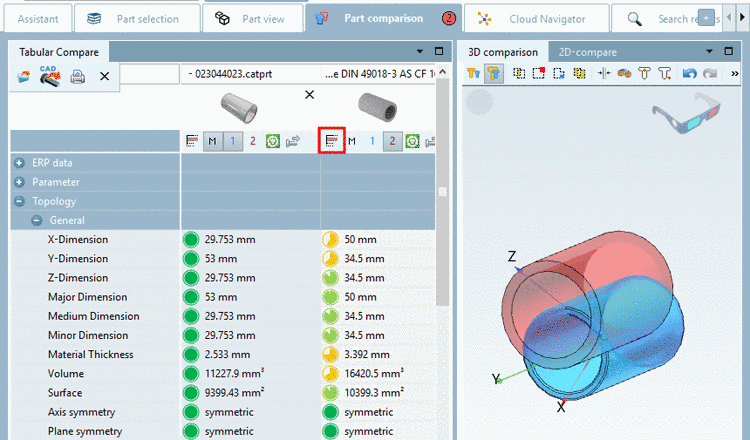
Possibly adjust
the characteristic in the table. Hereto click on the icon Select project line  .
.
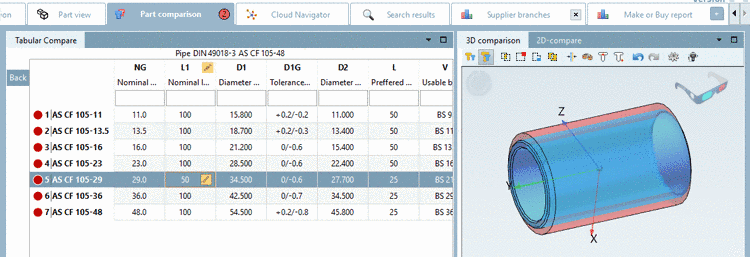
Missing fingerprints are automatically generated, so that the 3D and 2D depiction is always correct. More details on Part comparison can be found under Section 3.1.6.10, “ Part comparison ”.