3.1.19.1.5.2.
Exploded view
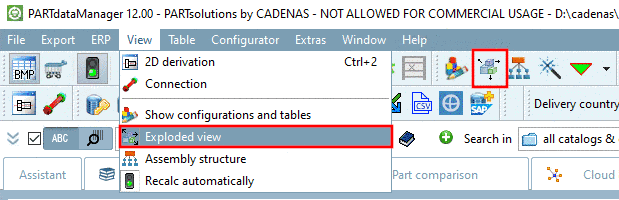
The exploded view
can be opened both via toolbar and menu.
The command is
only active for assemblies.
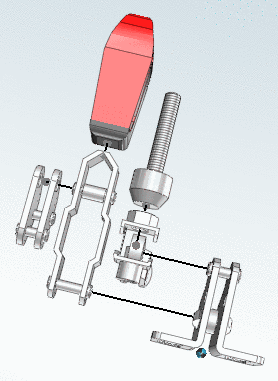
The Exploded view shows the display of an assembly
whose parts have been "drifted apart".
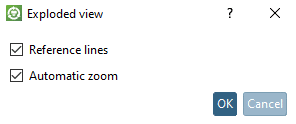
In the same-named
dialog box, set the desired display criteria.
Reference lines: ...show the relation
between individual components via lines.
Automatic zoom:
...moves the part into the center of the window during explosion in
order to obtain the largest possible display.