|
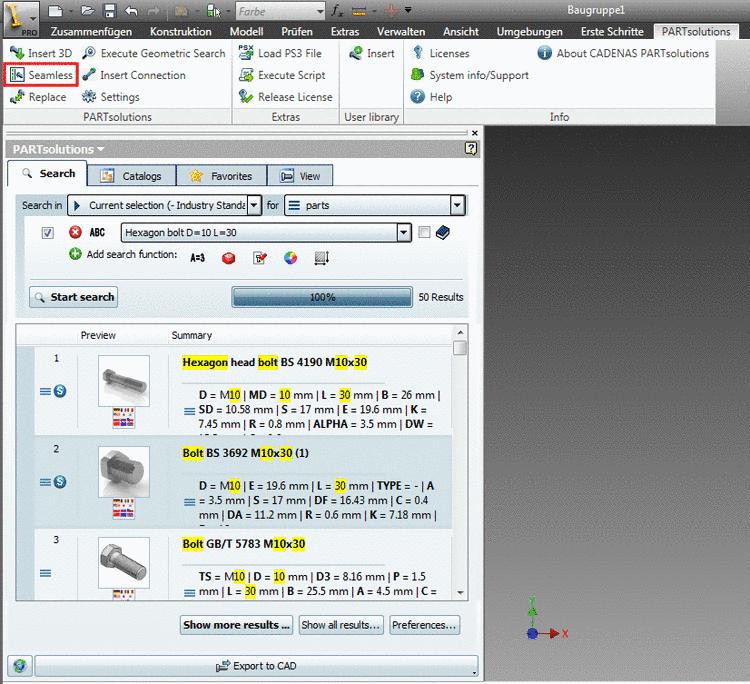
In order to
seamlessly integrate the standard and supplier parts library into your CAD
system, in the PARTsolutions menu click on the Seamless
icon  .
.
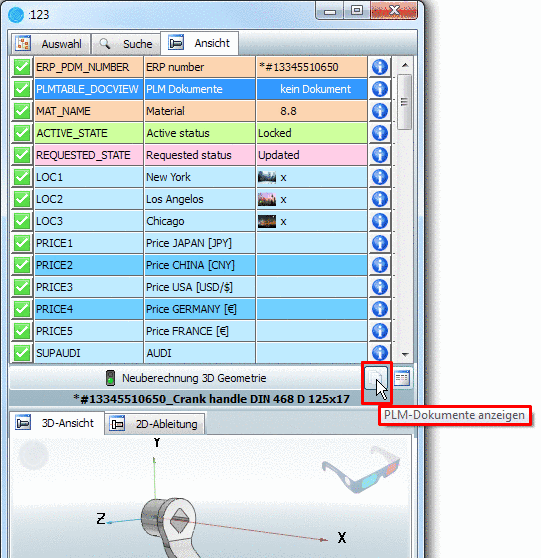
As of v9.05 the display of PDM documents via PDMTABLE_DOCVIEW is also available in Seamless.
If the PlmDocView option is activated in the configuration file
erpcustom.cfg, then the respective button is displayed (next to Recalc 3D geometry).More information on this is found under Section 3.2.4, “Show CAD documents (PDM-ID) in PARTdataManager ” in PARTsolutions - Administration Manual -> "Meaning of symbols in the column PLMTABLE_DOCVIEW".