1.4.3.6.
Gestion des index
1.4.3.6.3. Aperçu de l'interface utilisateur de la gestion des index
|  |
| Précédent | Suivant |
L'ill. suivante montre l'interface utilisateur de PARTadmin.
![PARTadmin -> Catégorie [Category]: gestion des index [Index administration]](https://webapi.partcommunity.com/service/help/latest/pages/fr/installation_ecatalogsolutions/doc/resources/img/img_0b3ee9aa16f34ca99a76f64b8a27cf95.png)
L'interface utilisateur de PARTadmin avec sélection de la gestion des index [Index administration] se divise en plusieurs parties :

| Menu et barre d'outils |

|
Sélection de la catégorie [Category] Toutes les opérations de gestion sont effectuées au sein de PARTadmin. En cliquant sur Catégorie [Category], vous choisissez le cas d'utilisation spécifique (par ex. gestion des index [Index administration], mise à jour du catalogue [Catalog update], environnement ERP [ERP environment], etc. La présente section traite de la gestion des index [Index administration].
|

|
Page de contenu de la catégorie sélectionnée Gestion des index [Index administration]
|

|
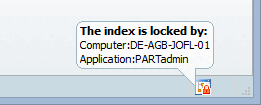
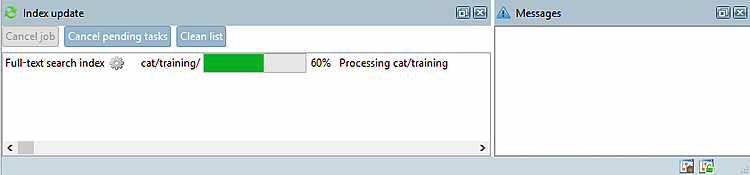
Affichage de la progression de la mise à jour de l'index [Index update]
|

| |

|
|
![[Remarque]](https://webapi.partcommunity.com/service/help/latest/pages/fr/installation_ecatalogsolutions/doc/images/note.png)
![Activer la zone de dialogue "Mise à jour de l'index [Index update]](https://webapi.partcommunity.com/service/help/latest/pages/fr/installation_ecatalogsolutions/doc/resources/img/img_b26d00d022b14c1b8cc26efc724aaf78.png)
![Zone de dialogue "Mise à jour de l'index [Index update]](https://webapi.partcommunity.com/service/help/latest/pages/fr/installation_ecatalogsolutions/doc/resources/img/img_ff3672bf208a4b3595df94dda814163a.png)