Dans
Dans cette section, vous trouverez des explications sur les options de réglage de
Image
 .
.
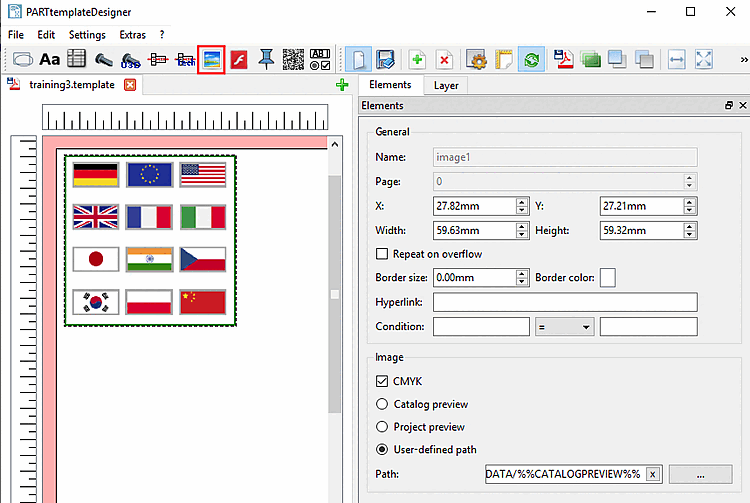
Généralités [General]: voir Section 8.4.2, « Paramètres généraux ».
Masquer la transparence [Mask transparency]:
Après avoir tracé la zone d'image avec le curseur, le BMP du catalogue de la norme est d'abord chargé par défaut.
Utilisez Parcourir pour définir le chemin d'accès à l'image souhaitée.
Les formats d'image autorisés sont PNG, JPG, TIFF et BMP.
(Les images peuvent également être insérées via le presse-papiers).