General information about the company and partnerships
Don´t miss anything! Inform yourself aboutall news and events.
The next dimension visual 3d search engine for manufacturer components
Fast and comfortable support for all questions about our products & solutions.
Explore more exciting content here.
Use our contact form or find a branch office nearby.
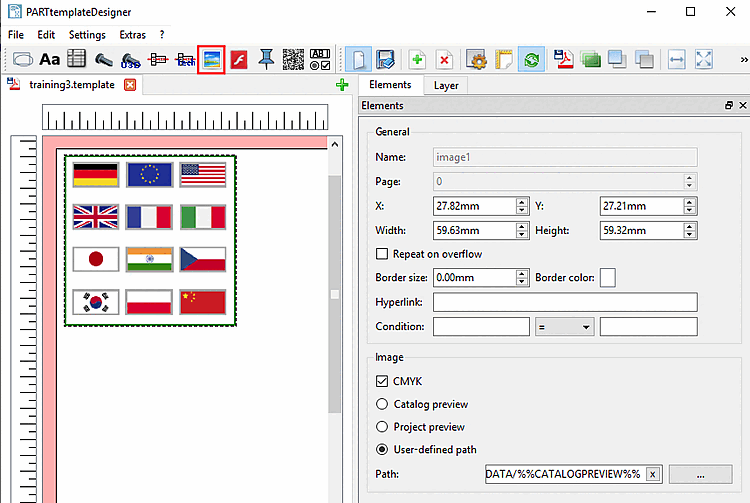
In this section you can find details on the setting options of Image .
General: See Section 10.4.2, “General settings”.
Image:
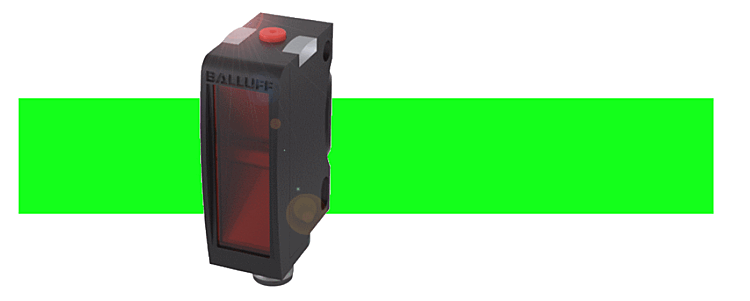
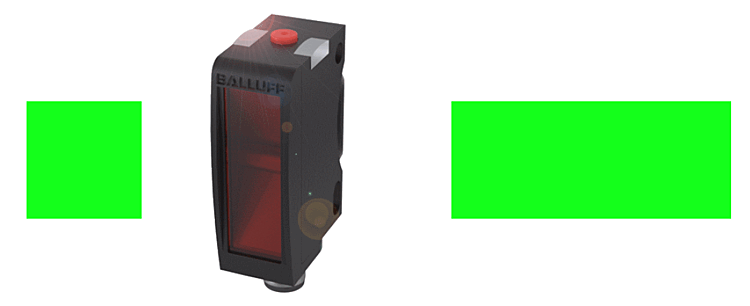
CMYK:
Mask transparency:
Result in datasheet with enabled option
Result in datasheet with disabled option
Catalog preview:
Project preview:
User-defined path:
Directory:
After dragging out the image area with the cursor, for a start the standard catalog bmp-image is loaded by default.
You can set the path to the desired image via search button ....
Allowed image formats are PNG, JPG, TIFF and BMP.
(Images can also be inserted via clipboard.)