2.1.6.8. Informations sur les catalogues, les projets et les pièces détachées 2.1.6.8.2. Barre d'état
|  |
| Précédent | Suivant |

Les informations suivantes s'affichent dans la barre d'état :
Utilisateur et rôle actuellement sélectionnés (dans l'image ci-dessus "location - Location 2")
Par défaut, il s'agit de "Admin". Ainsi, des tâches administratives peuvent être effectuées dans les différents modules.
Sous PARTdataManager -> Extras -> Paramètres [Preferences], la page d'onglet Administrateur [Administrator] est disponible.
Il est possible d'effectuer des réglages pour les boîtes de dialogue de recherche géométrique.
Les catalogues peuvent être désinstallés dans PARTadmin.[73]
Les modifications d'index effectuées dans PARTadmin sont effectives pour tous les utilisateurs.[74]
Dev (développement de catalogues)
L'affichage dépend de la licence.
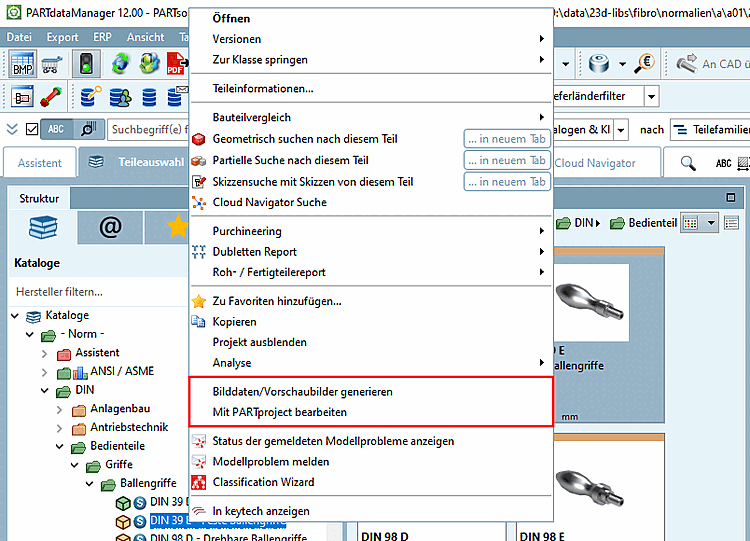
Si "Dev" est affiché, des menus contextuels correspondants sont disponibles dans le PARTdataManager pour le développement du catalogue.
Si l' AppServer est actif, une icône correspondante s'affiche dans le PARTdataManager en bas à droite dans la barre d'état. L'information brève fournit des informations correspondantes au survol de la souris.
Il existe cinq catégories qui peuvent être affichées au survol de la souris (selon les paramètres) :
Si l'icône est affichée, cela signifie qu'il y a des messages. En cliquant sur l'icône, la fenêtre du docking Messages s'ouvre.