

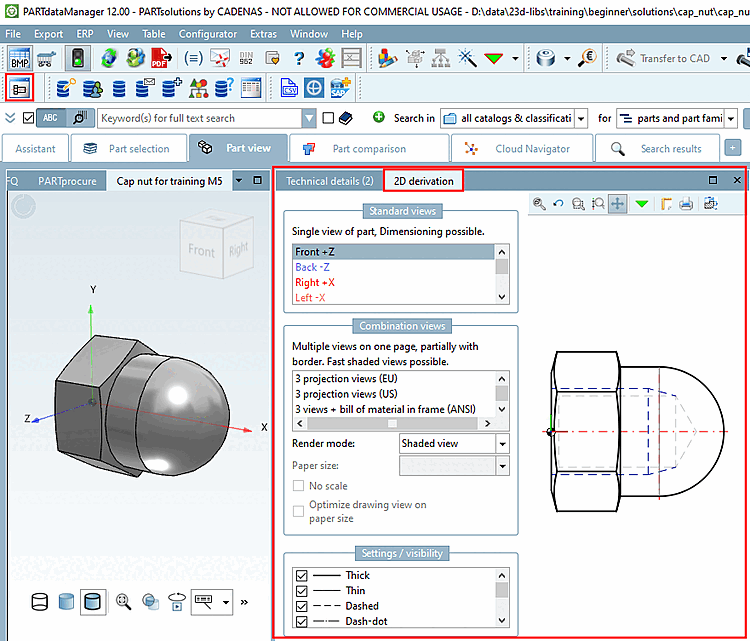
Les dérivations 2D (avant [Front], arrière [Back], droite [Right], gauche [Left], haut [Top], bas [Bottom] ) sont générées automatiquement et sont donc automatiquement disponibles dans PARTdataManager.
À
pour afficher les dérivées 2D dans PARTdataManager, cliquez sur
Cliquez sur le bouton Dérivation 2D [2D derivation], puis click le bouton Dérivation 2D souhaité [2D derivation] dans la fenêtre d’ancrage
Vue.
click le bouton Dérivation 2D souhaité [2D derivation] dans la fenêtre d’ancrage
Vue.
Les dérivations 2D standard peuvent être modifiées de différentes manières.
Vous trouverez des informations détaillées à ce sujet dans Section 5.10, « Adapter les dérivations 2D » in eCATALOG 3Dfindit.