
1.5.4.2. Informations complémentaires 1.5.4.2.1. Activation de l'interface 3Dfindit V12
|  |
| Précédent | Suivant |
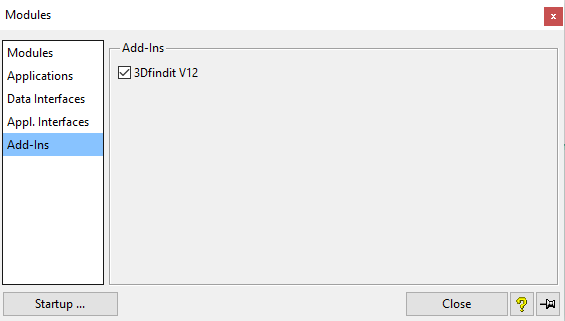
Ouvrez la boîte de dialogue Modules et sélectionnez Add-Ins. (Add-Ins ne s'affiche que si l'interface a été activée).
Cliquez sur si vous souhaitez procéder à l'activation une seule fois.
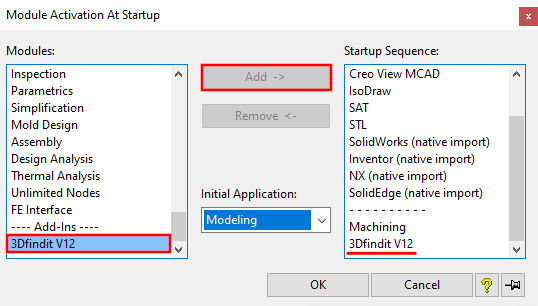
cliquez sur .. si vous souhaitez que l'activation soit permanente.
![[Remarque]](https://webapi.partcommunity.com/service/help/latest/pages/fr/partwarehouse/doc/images/note.png)