
1.5.4.2. Informazioni aggiuntive 1.5.4.2.1. Attivazione dell'interfaccia 3Dfindit V12
|  |
| Indietro | Avanti |
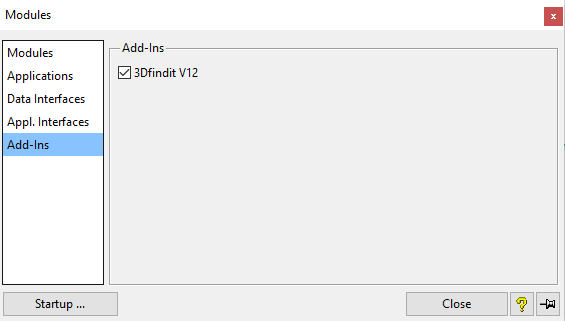
Aprire la finestra di dialogo Moduli e selezionare Add-Ins. (Add-Ins viene visualizzato solo se l'interfaccia è stata attivata).
Fare clic su se si desidera eseguire l'attivazione una volta sola.
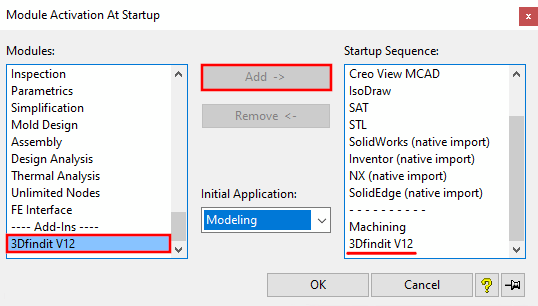
fare clic su ... se si desidera rendere permanente l'attivazione.
![[Nota]](https://webapi.partcommunity.com/service/help/latest/pages/it/partwarehouse/doc/images/note.png)