|
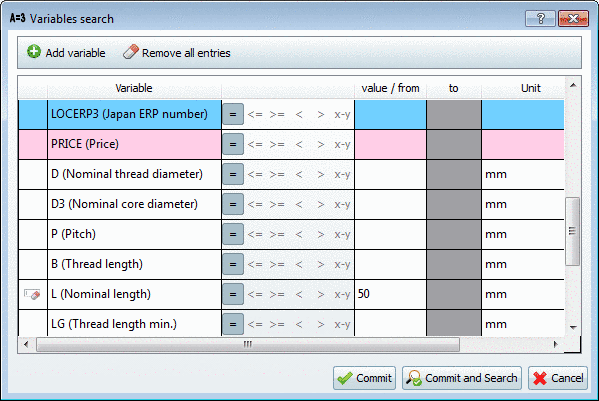
In the Variables search dialog box all those variables are displayed, which are common to all parts, down from the selected directory level (ERP variables - if available - colored).
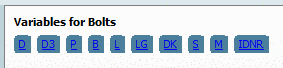
Now as of PARTsolutions V9.08 these are displayed in an own dialog area Variables for <Directory> in addition, so that they are recognizable at a glance.
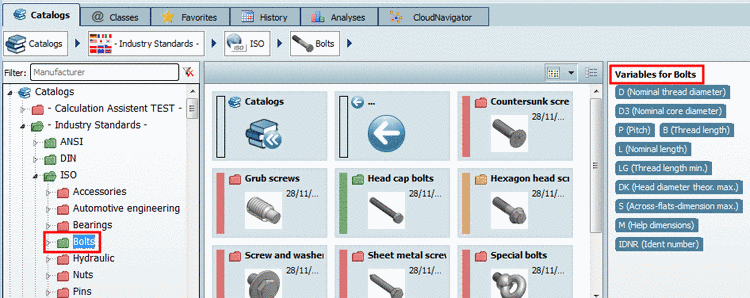
With single click on the desired variable the dialog box Variables search opens. The input field of the respective variable is already selected. You just have the enter the desired value and click on .
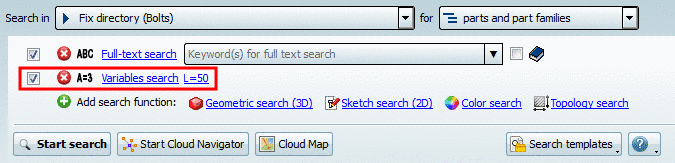
-> The Variables search is displayed with the specified value in the search methods section.