5.17.3.3. Installare la versione di aggiornamento
5.17.3.3.1. Aggiornamento senza connessione a LinkDB
|  |
| Indietro | Avanti |
Per correggere l'errore, procedere come segue:
Richiamare PARTlinkManager -> Menu Extra [Extras] -> Gestione aggiornamenti [Update manager].
-> Viene visualizzata la finestra di dialogo Gestione aggiornamenti [Update manager].
Se Quando si apre il nodo del catalogo, questo viene aggiornato automaticamente e viene visualizzato Nella cartella Catalogo, selezionare l'icona
 .
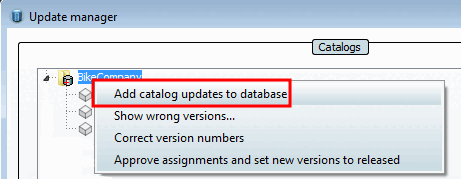
.Fare clic su Aggiungi aggiornamento al database [Add catalog updates to database] nel menu contestuale.
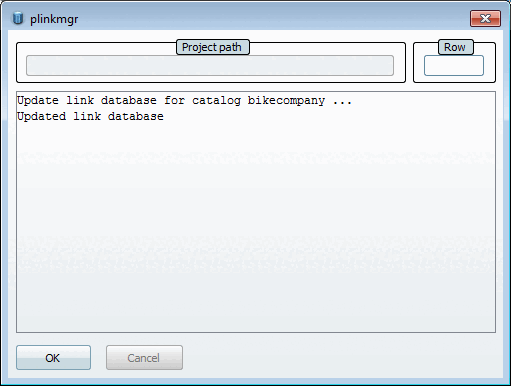
Dopo un aggiornamento riuscito, si riceverà un messaggio di conferma.
Il catalogo appare ora con un simbolo di directory "normale" o con i simboli corrispondenti che indicano le modifiche.