
 |
Using the Segmentation tool, a segment of the part or background can be marked as often as desired, until the result is satisfying.
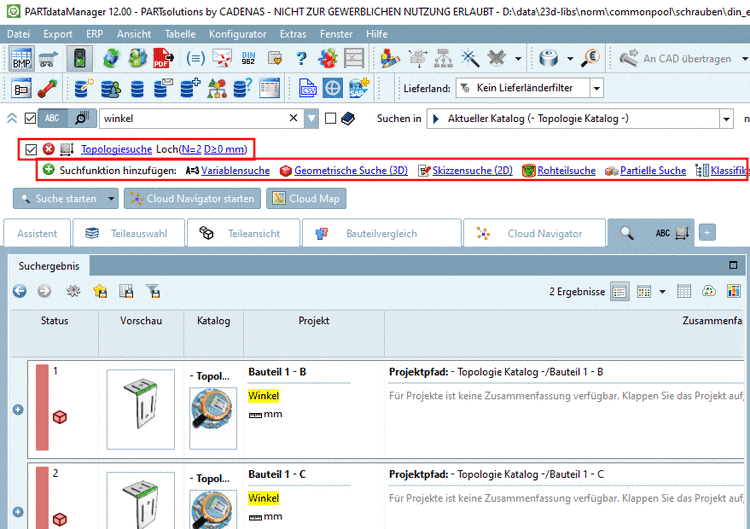
Generally applies that high-contrast images with little interfering contours need less markings for the extraction of the drawing. In practice it's difficult to make perfect pictures. But the tool is designed to remove interfering contours easily.
![[Note]](https://webapi.partcommunity.com/service/help/latest/pages/it/partsolutions_user/doc/images/note.png)
The most important contours are displayed in the preview with only little markings.
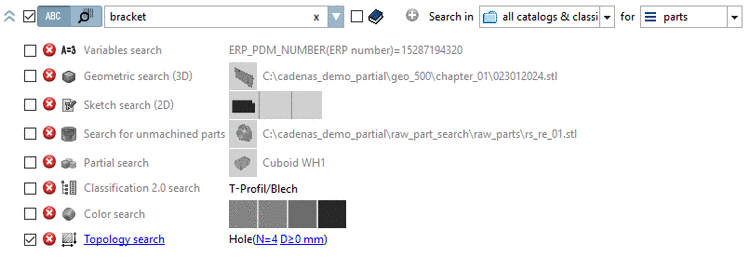
Especially the low-contrast intermediate area is not correctly displayed yet. Mark the intermediate area with purple.
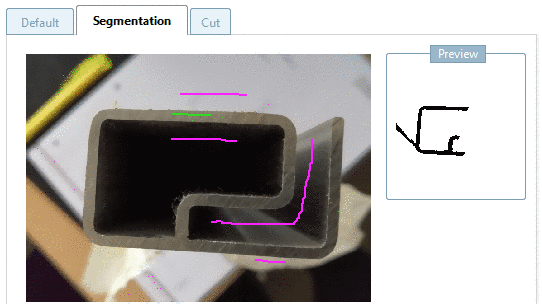
-> Thereby also areas of the part itself are removed (here in this example).
Add the missing part areas by using green.
