
 |
You can overtake table values from a CSV file and/or add variables from a CSV file in batch mode. Call up happens in PARTproject via context menu command under Automation -> Batch process all tables in project.
With V10 there are some enhancements - especially for large CSVs or if multiple are used.
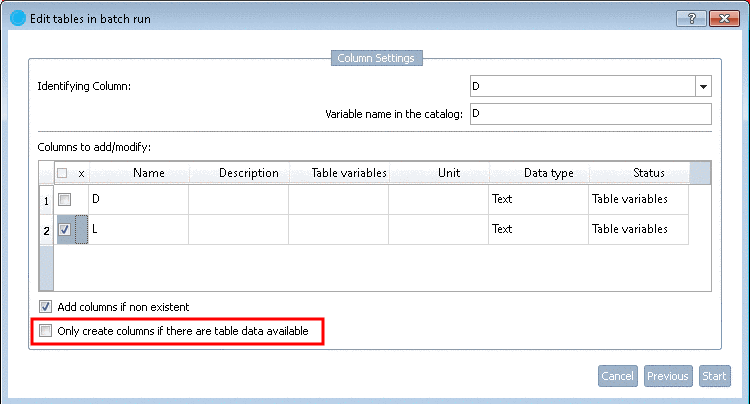
Optionally you can determine that only those columns are added which really contain data.
The advantage of this is that one CSV file containing the whole content can be used.
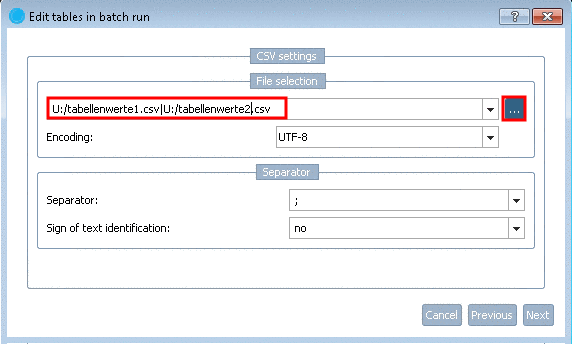
Furthermore multiple CSVs can be imported at once.
Simply select multiple files with pressed Ctrl key.
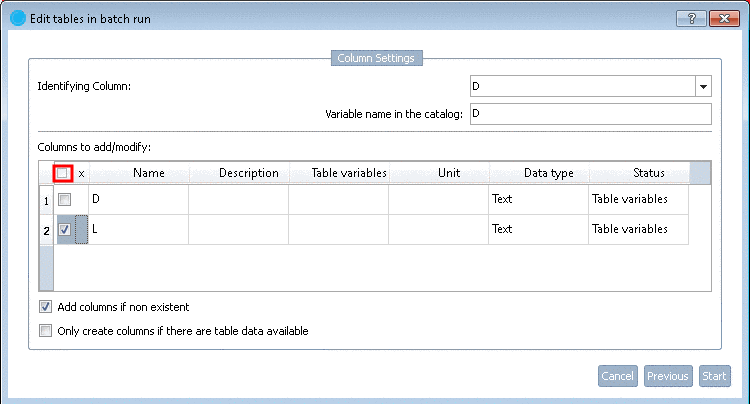
There is an option to activate/deactivate all checkboxes at once.
Encoding: In the list field you can set the desired codec.
So in any case it can be made sure that umlauts for example are correctly handled. With the standard setting "UTF-8" this should be the case, normally.
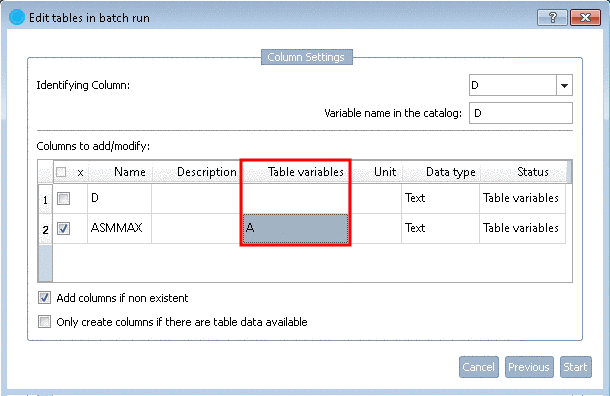
You can explicitly set names for table variables.
The specification is also considered when the names are checked. If the variable name in the CSV is invalid for the table (forbidden characters), you can either adjust it or set another variable name and leave the original name invalid.

You can find a detailed description on this under Section 5.8.2.1.15.1.6, “ Add variables from CSV / change variable values from CSV ” in eCATALOGsolutions Manual.