5.8.3.6. The required
catalog is not available - what can I do?
If you don't find
the desired CAD model, you can let CADENAS know which your preferred catalog
is.
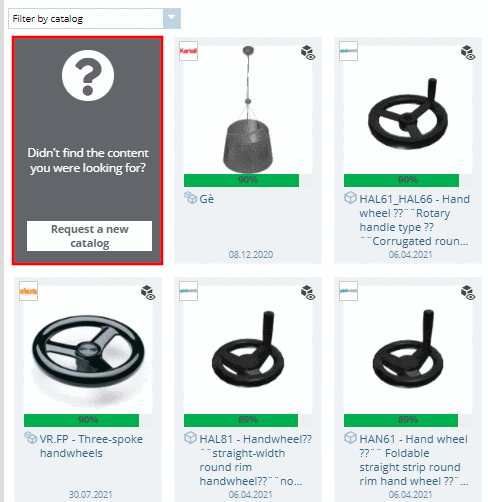
After searching
the category Didn't find what you were expecting? is displayed on the left.
Click into
the field.
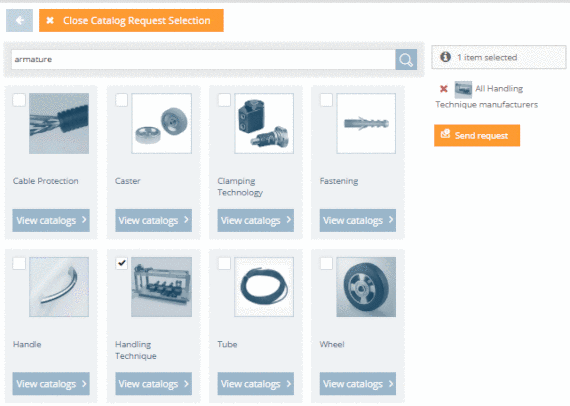
➝ Now
categories are shown.
Select the
fitting category (or several) and then click on Anfrage senden.