
 |
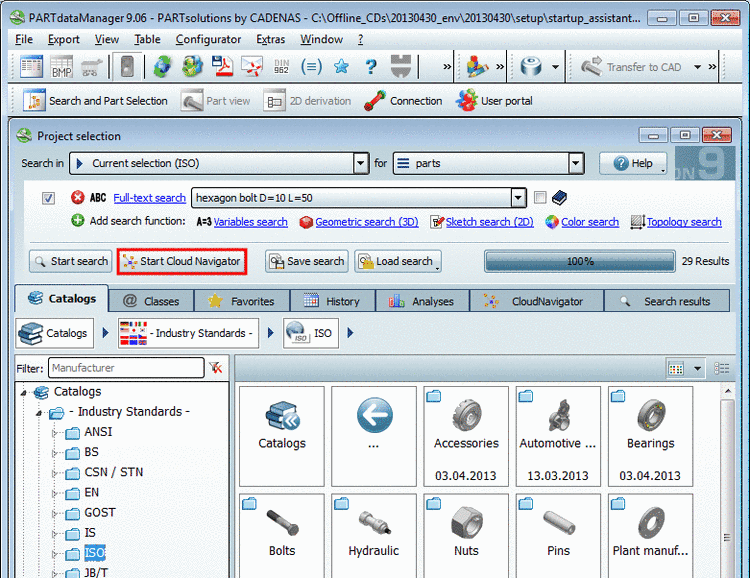
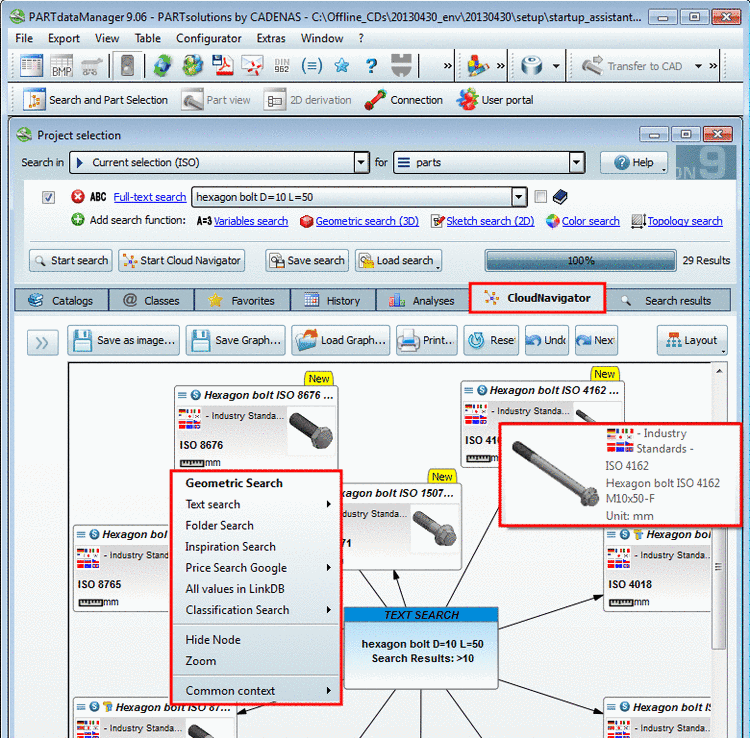
you can call up the search for unmachined part in different ways and levels:
Regardless of how the call up happened: In the dialog box, you can recognize on which directory, project or row the report is referencing:

Under PARTadmin -> category Manage fingerprints -> context menu of directories / projects -> Manage fingerprints you can a) check, whether all needed fingerprints are available and possibly create these. Detailed notes on this are found under Fingerprints verwalten.