

Per richiamare e modificare un componente 3D, fare clic sul rispettivo file *.3db nella struttura della directory.
-> Viene visualizzata la pagina della scheda Database.
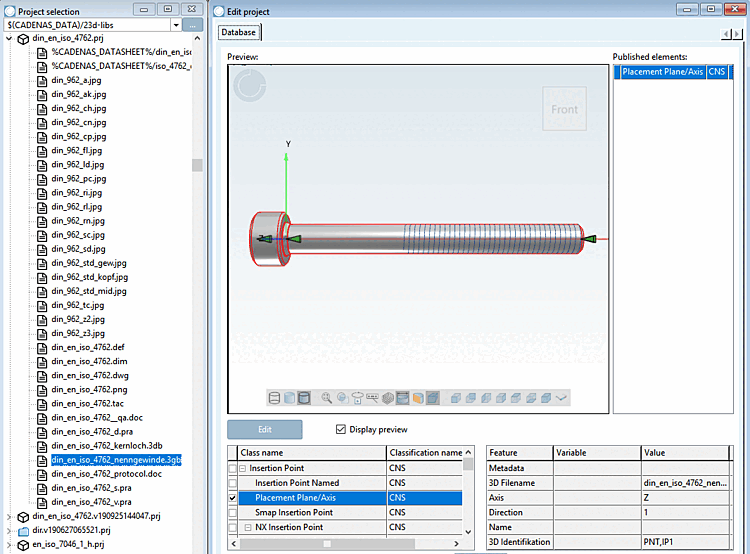
Mostra anteprima [Display preview]: se si desidera nascondere l'anteprima 3D impostata, disattivare questa opzione.
: Per modificare il file *.3db, fare clic su questo pulsante.
-> Le informazioni su PARTdesigner sono disponibili alla voce Capitolo 7, Progettista di parti .
Elementi pubblicati [Published elements]: Sezione 5.12.5, “Classificare i punti di attacco ” I dettagli sono disponibili all'indirizzo .