|
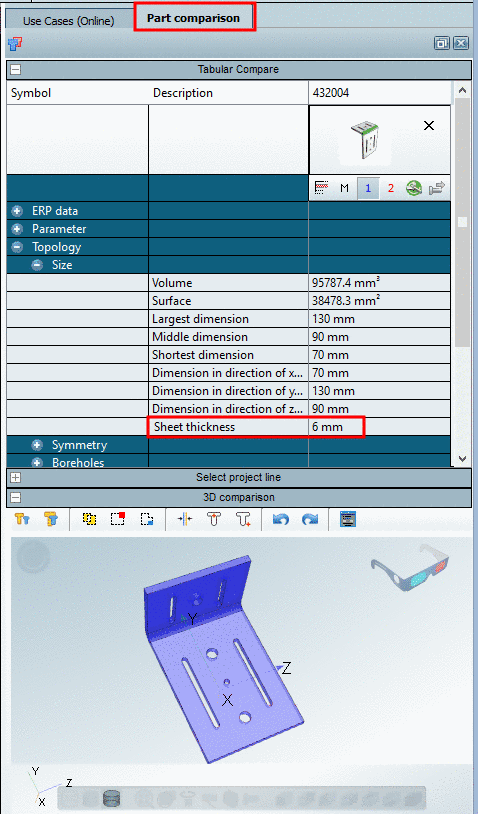
As of V10 the sheet thickness is a topological standard attribute now. Topological values can be displayed under Search results in an own column.
In the following an example is given:
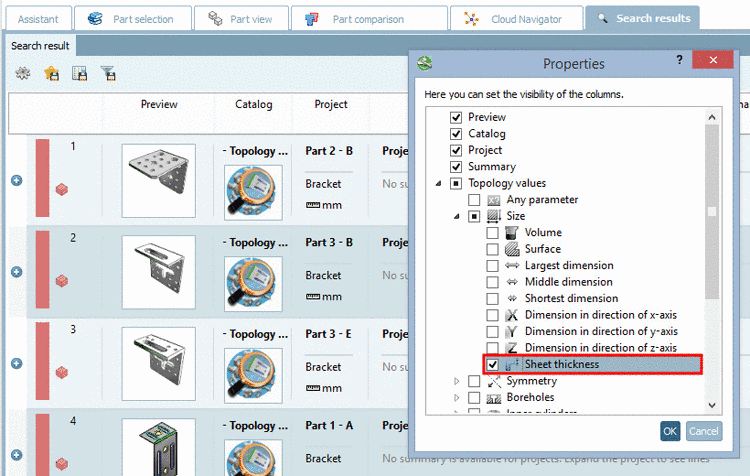
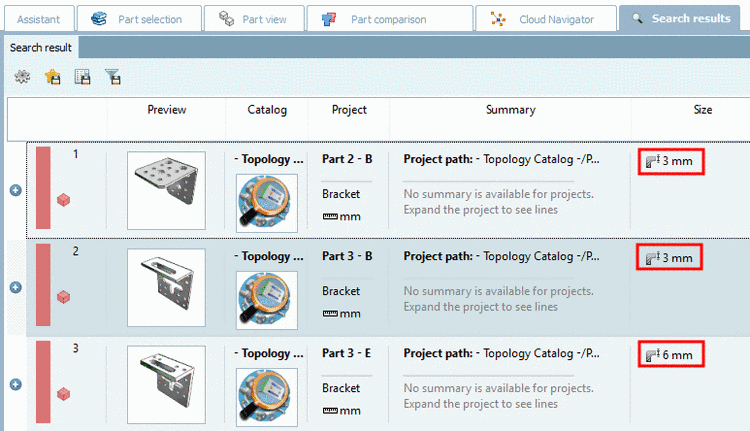
If you perform a search now, in the column Size, the sheet thickness is displayed in addition.
Furthermore you can also see the topological attribute sheet thickness in the Part comparison.