4.7.2.35. Geometric
search in the background (9.02)
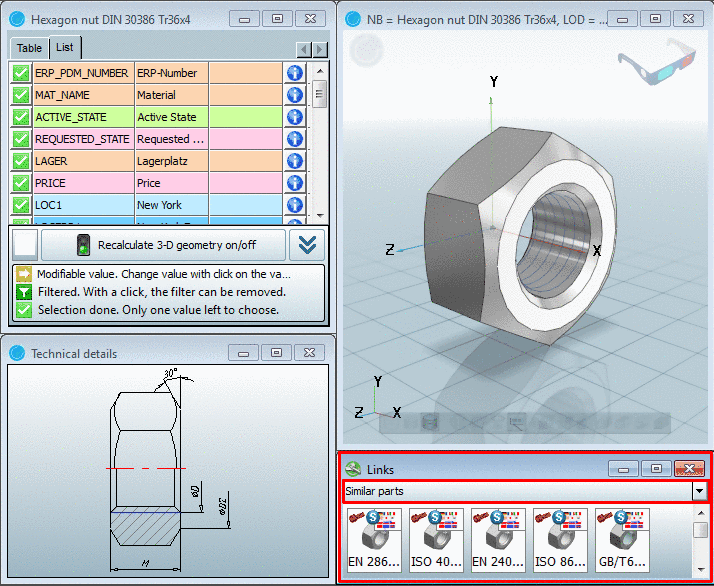
The geometric
search is running in the background in PARTdataManager.
Found parts that
are similar to the currently opened part will be immediately offered.
You may continue
working, configuring parts, create a 2D derivation, etc., all without being
disturbed.
Similar parts are
displayed under Links -> Similar parts.
Works with
parts from the Own parts library
as well
May be turned
off
The search
may be specially configured under PARTdataManager -> Extras menu -> Settings... -> Search -> Geometric search (3D) index page ->
Geometric search in the link window:
Search in current selection
Search only in catalog from which
the currently opened part came (search is fast)
Search current category
Search in
all catalogs, but only in that category to which the currently
selected part belongs (Search-Server recommended)
Search everything
Search in
all catalogs (Search-Server recommended)
In the search
results the catalog information is given by a preview image