
 |
At catalog updates it could happen, that not all LinkDB links are found for each product (just because of changes).
As of V9.08 you are asked at PARTadmin Catalog update before the installation, whether you would like to test the catalog for possibly LinkDB conflicts. After installation these can be solved in the Update manager by new assignment.
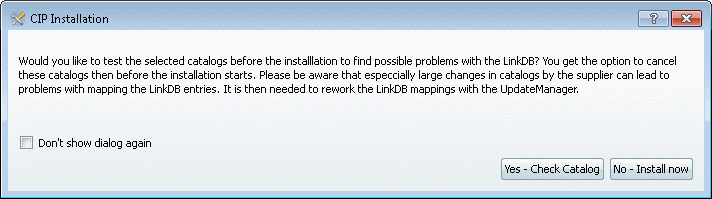
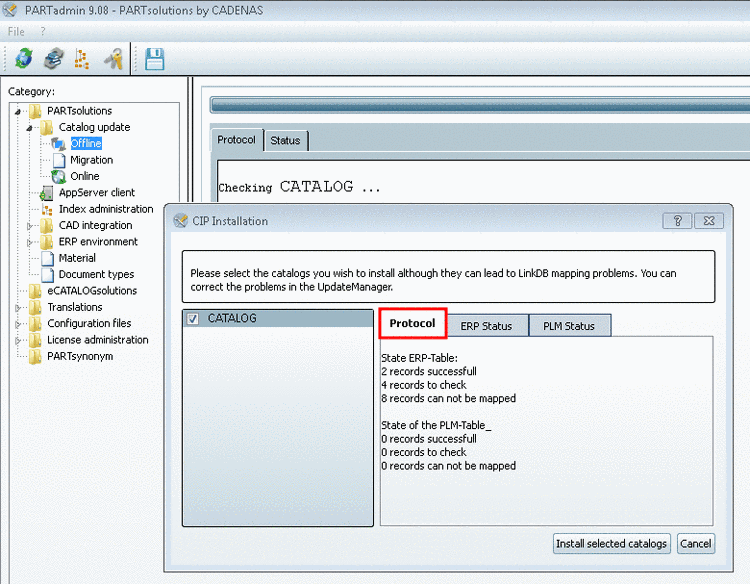
After click on the button the dialog box CIP Installation with the tabbed page Protocol is displayed. Here you will receive an overview how many datasets could be updated successfully and how many would be to check and reassign.
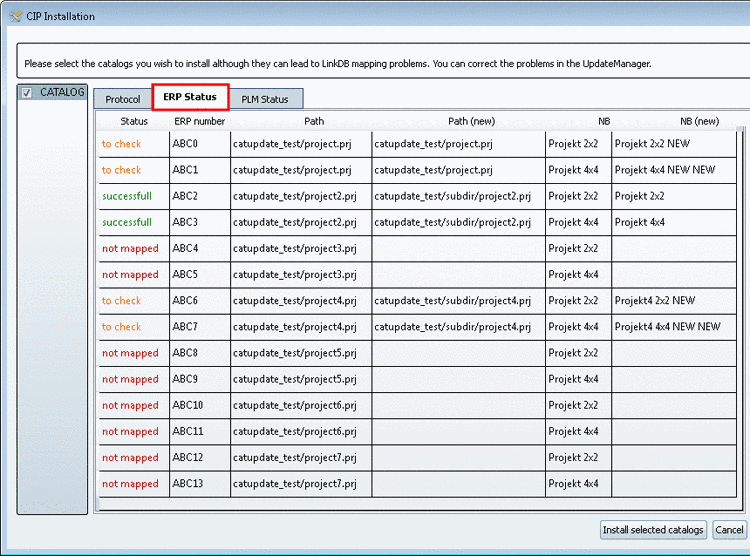
On the tabbed pages ERP Status and PLM Status you get detailed information on project path and standard name.
Now you can decide, whether you want to install. If yes, click on the button .
After installation a note is displayed again, that you have to solve assignment conflicts in the Update manager.
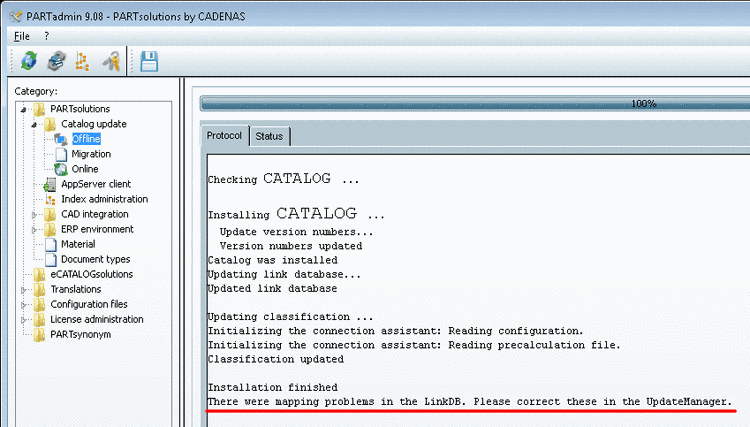
Detailed information on the Update manager is found under Section 4.16.3, “ Catalog update with ERP integration - Fix mapping problems with the Update manager ” in PARTsolutions - Administration Manual.