2.8.2. Sketch 2 - Écrou borgne hexagonal
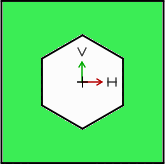
Pour créer l'écrou borgne hexagonal, il faut créer une autre esquisse 2D qui servira de "gabarit" en se déplaçant sur le "corps brut" de l'écrou borgne déjà existant et en enlevant la matière qui dépasse.
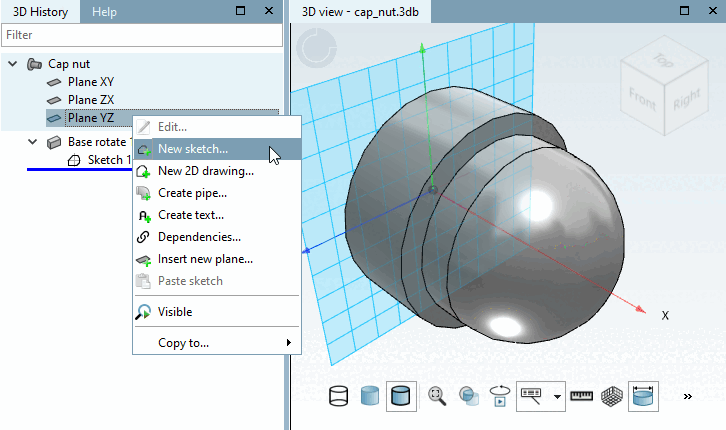
Pour l'esquisse 2, sélectionner le plan YZ [Plane YZ]:
Dans la zone de dialogue Historique 3D [3D History], cliquez avec le bouton secondaire de la souris sur la bâche YZ.
Dans le menu contextuel, sélectionner la commande Nouveau sketch.... [New sketch...]
-> La vue revient à l' esquisseur [Sketcher].