|
Directory structure with STEP files
Build up the directory structure as desired or derive it from your PDM / PLM / ERP system.
Use any number of nested levels beginning with catalog over product groups, product families and projects.
The lowest directory level is the project directory. There, the STEP (.stp) files are stored.
![[Note]](https://webapi.partcommunity.com/service/help/latest/pages/fr/partwarehouse/doc/images/note.png)
Note If there are multiple STEP files in the project directory, then later in PARTdataManager, in the characteristic attribute table, for each STEP file one row is created.[a]
[a] According to the chosen setting option. If desired, projects with only one row can be created as well.
Optionally additional PNG files for preview images
Note If you use project preview images (.png) in addition, then please regard that the files have exactly the same name as the corresponding STEP (.stp) file.
If you use further preview images for product group / product family, then please regard that the name of the PNG file is the same as the level (folder) it shall be used for. In the above example these are the preview images for "Flanges" and "Flanges-Type1".
PARTdataManager "Part selection": No use of project preview images or option "Generate preview images" deactivated
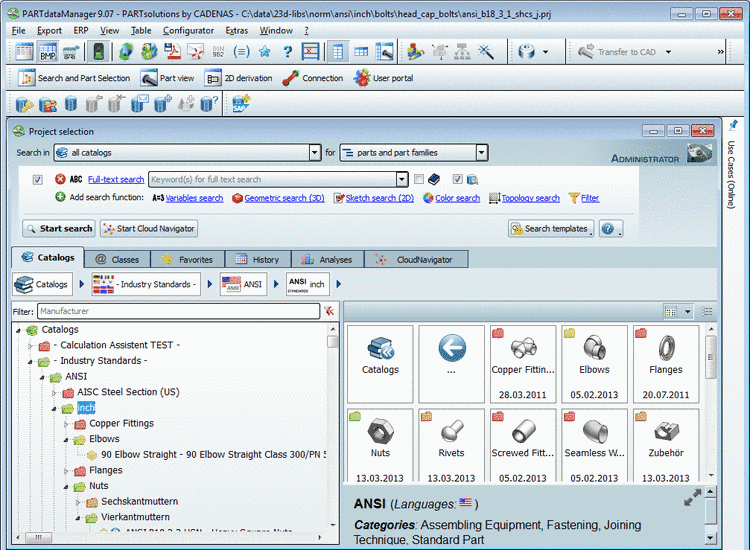
PARTdataManager "Part selection": Use of project preview images - Selection on catalog level. The grouping is automatically created.
Optionally additional CSV files
All CSV files to build the table have to be created according to the following scheme:
If there is no unit or value available then leave the field empty.
The statements for Standard number, Standard title, Standard name and Description for BOM are either automatically created or by reference to a specific table column.
The following statements are used by default if there is no explicit reference made to a table variable in the setting options.