
 |
May be for some customers it is interesting to add the topological attribute "Sheet thickness" into the standard. Only disadvantage: Longer search times.[144]
In order to
enhance the standard, please perform the following changes in the
configuration file under $CADENAS_SETUP/geomsearch.cfg:
To AvailableSystemAlgoList and CreationSystemAlgoList, add "THO"
[ALGOS]
AvailableSystemAlgoList=...,...,THO
CreationSystemAlgoList=...,...,THO
Add the following key and value:
[AlgoTypes]
THO=TOPO
To the key properties add "sheetthickness"
[Category_size]
properties=...,...,sheetthickness
To the keys AvailableIndexes and CreationIndexes add "sheetthickness"
[TOPOINDEXES]
AvailableIndexes=...,...,sheetthickness
CreationIndexes=...,...,sheetthickness
[Property_sheetthickness]
name=sheetthickness
displayName=Blechdicke
op_displayName=Blechdicke
description=Blechdicke
algoname=THO
algopropname=ABSTHICKNESS
type=DOUBLE(0, 0, 1000000000, 3)
measure=LENGTH
argCount=0
operators=EQ,NEQ,LEQ,GEQ,LT,GT,RANGE
multiple=
icon=$CADENAS_SETUP/bitmaps/topology/thickness.png
compactDisplayName=
visibleInGUI=1
defaultoperator=
visualizationInfoProp=
measureType=
searchResultTooltipTemplate=
searchResultTooltipProp=
searchResultDisplayTemplate=%loop1%<span style="%style%">%each0l%</span>%endloop%
searchResultDisplayProp=
showAlways=0
defaultStyle=
matchStyle=background-color: #ff9900
TopoIndexName=sheetthickness

[Index_sheetthickness]
KeyType=DOUBLE(0, 0, 1000000000, 3)
FilterCount=1
Filter1_objectName=THO
Filter1_attributeName=Thickness
Filter1_ScanLevels=
ContainerLevels=line,prj
Geometrical search index create anew
![[Note]](https://webapi.partcommunity.com/service/help/latest/pages/it/ecatalogsolutions/doc/images/note.png) | Note |
|---|---|
After changes
in the configuration file | |
Use of the topological attribute "Sheet thickness" in PARTdataManager
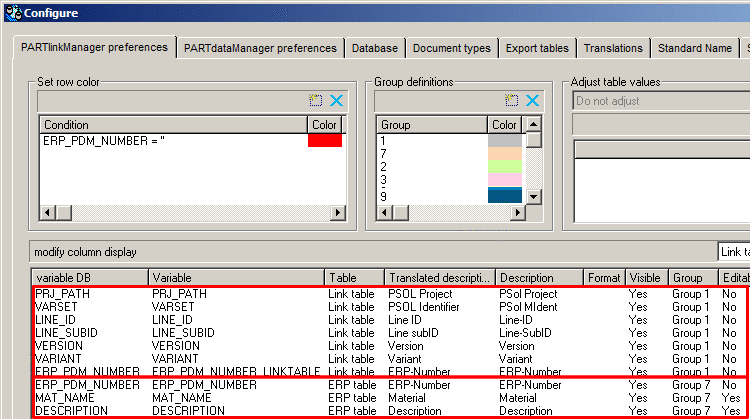
Now, when performing a search, in the column Size the sheet thickness is displayed in addition.
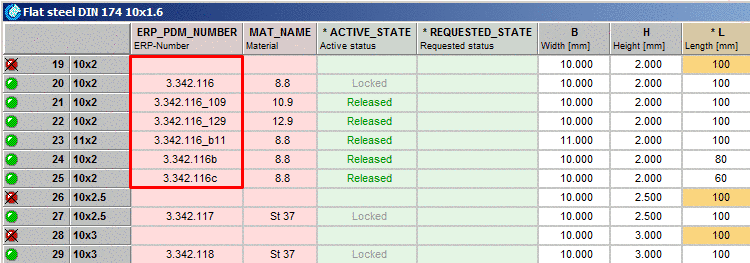
Furthermore, in the Part comparison dialog, the topological attribute Sheet thickness is displayed.
