
 |
PARTproject -> context menu at directory/project level -> Output -> Export files in batch run
PARTdataManager -> context menu at directory/project level -> Export files in batch run (only in Developer mode)[92]
The new batch export dialog can export

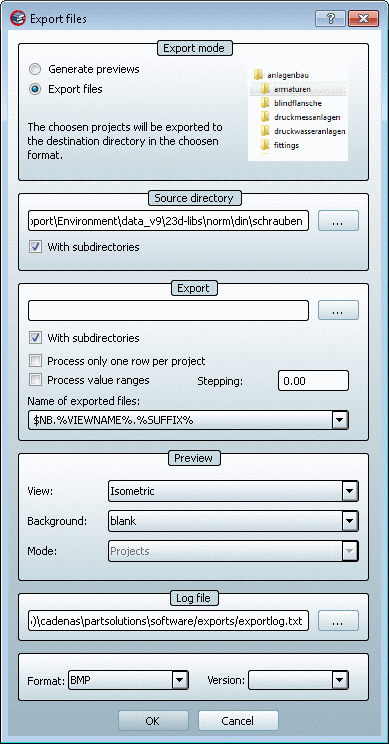
During preview creation you can display single as well as grouped parts.

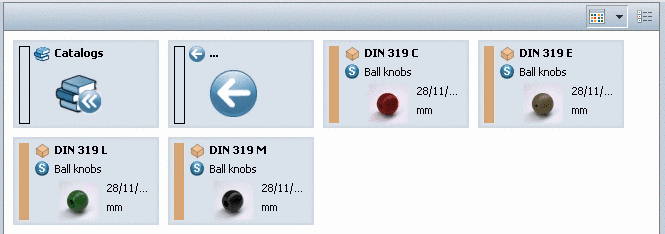
In addition, high quality images can be created with POV-Ray or Maxwell Rendering. See under Section 3.1.9.3.4, “POV-Ray 3D ” in PARTsolutions - User manual and Section 3.1.9.3.3, “Maxwell Render 3D ” in PARTsolutions - User manual.
[92] Details can be found under Section 3.1.19.6.1.2.25, “ Generate image data/preview images with batch run ” in PARTsolutions - User manual.