|
Using an example, the following shows how you can work with templates in the PARTdataManager.
![[Note]](https://webapi.partcommunity.com/service/help/latest/pages/it/installation_ecatalogsolutions/doc/images/note.png)
|
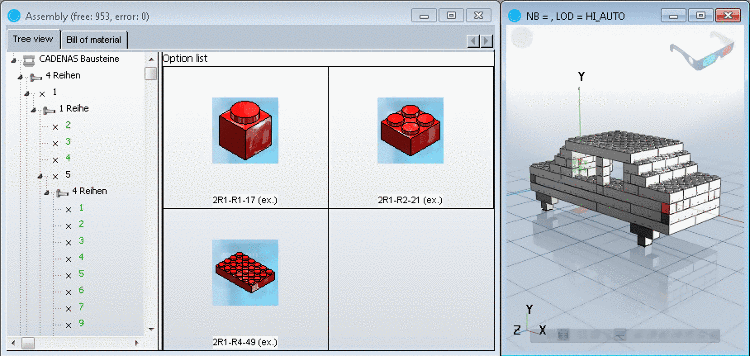
In contrast to the configuration, the template assembly (file format *.sbl) completely or at least partially has automatic assembly. In the Assembly the Start element and the corresponding assembly components show up immediately (see Fig. „Templates with complete self-assembly“). |
|

Templates with complete self-assembly configure themselves 100% alone.
There are no more free (green) connection points. All connection points are displayed in black font.
Single elements can be removed or (if possible) replaced by alternative characteristics.
During a row change the template reassembles itself completely again.
Templates with partial self-assembly independently assemble themselves with a certain basic structure. Some Connection points are still open (green) and can be filled with preassigned elements. This template variant is a mixture between configuration and "full-template". It can also be changed and/or reduced.
Fixed template: This assembles itself 100% automatically, it may however - in contrast to the other template types - neither be changed nor reduced. (See also Section 3.1.15.7, “Saving templates ”)