6.3.
Viste di dimensionamento / derivazione 2D
Per poter inserire componenti/assiemi 3D di PARTsolutions in un sistema CAD 2D, creare una derivazione 2D [2D derivation] dell'oggetto 3D.
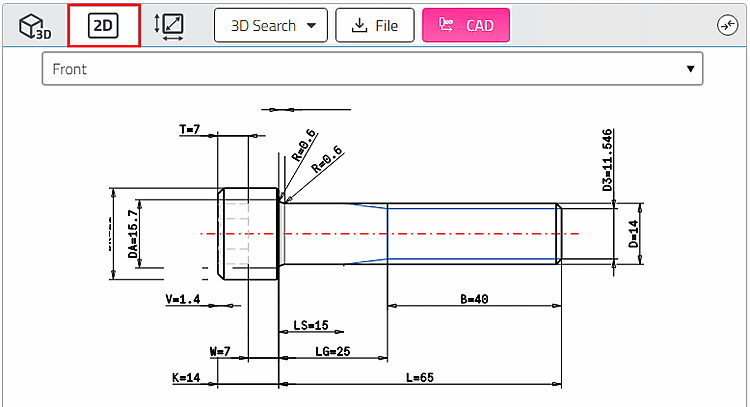
Fare clic sull'icona 2D  .
.
-> Vengono caricate le viste 2D.
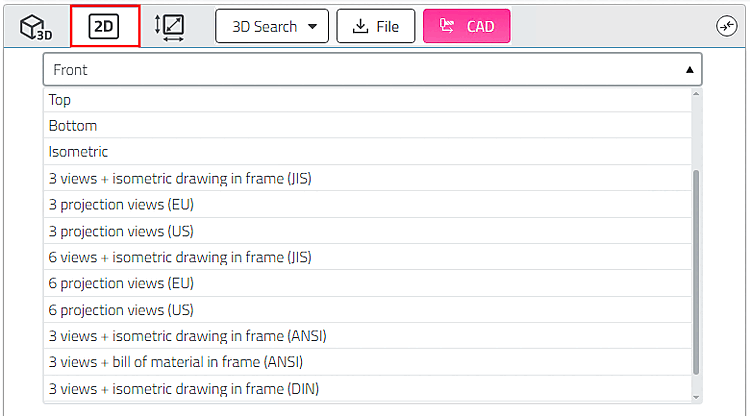
Selezionare la derivazione desiderata nel campo dell'elenco.
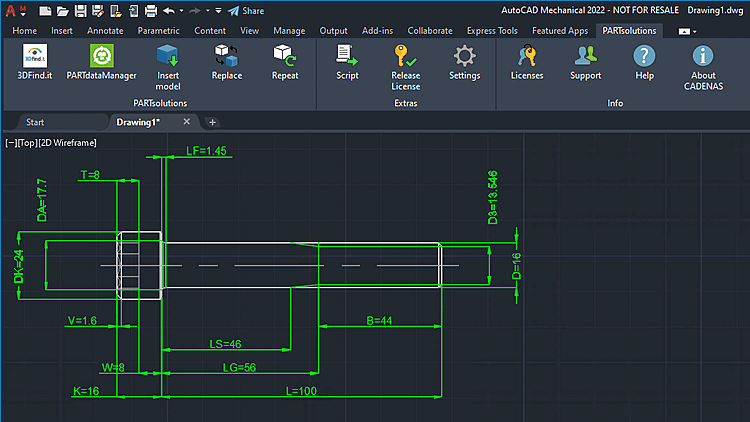
Fare clic sul pulsante Esporta in CAD.
-> La derivazione 2D viene aperta in CAD 2D.