6.3.
Dimensioning views / 2D derivation
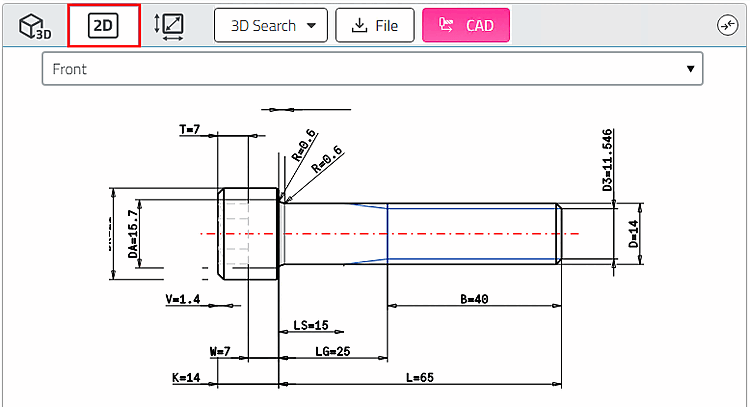
To be able to insert 3D components/assemblies from PARTsolutions into a 2D CAD system, create a 2D derivation of the 3D object.
Click on the 2D icon  .
.
-> The 2D views are loaded.
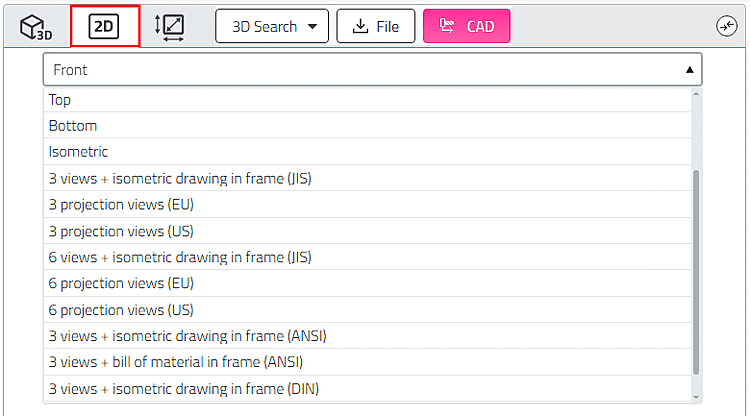
Select the desired derivation in the list field.
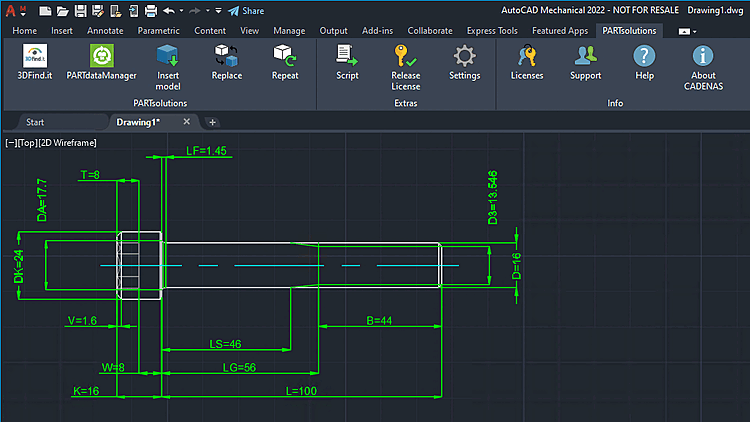
Click on the Export to CAD button.
-> The 2D derivation is opened in 2D CAD.