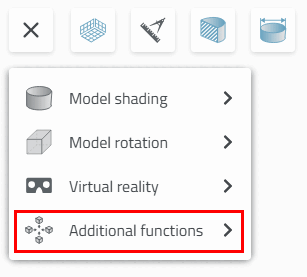
Measuring grid
 : See above.
 Catch everything [Zoom all] /
 Zoom on object [Zoom in on object]
Zoom to object [Zoom in on object] refers to the current selection.
Snap all [Zoom all] refers to everything, including dimensions. There is no difference for a selected single part without displayed dimensions.
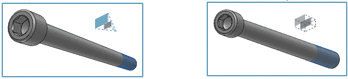
Section [Cut]
 : Click on the axis you want for the
Move the section.
: Click on the axis you want for the
Move the section.
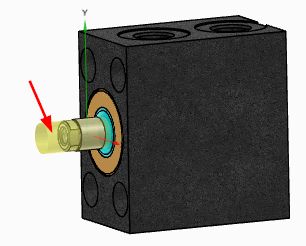
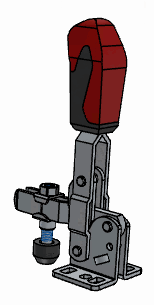
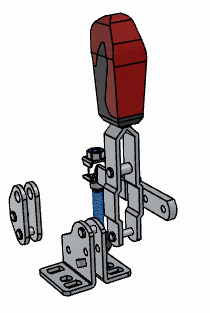
Exploded view
 (only for assemblies)
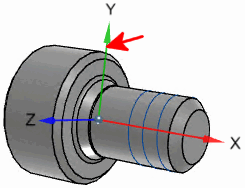
Show Origin Axles [Show Origin Axes]
 :
:
Toggle projection mode [Switch projection mode]
 : Perspective
  on /
on /  off
off
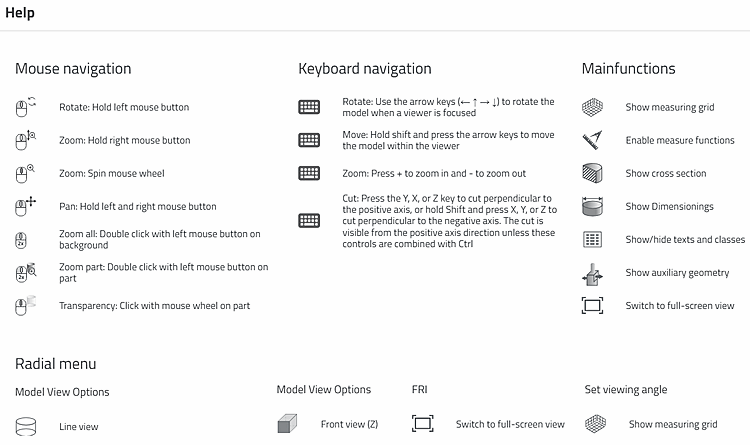
Help
 : Here you will find brief explanations of
Mouse controls, keyboard shortcuts, and main and
Auxiliary functions.
: Here you will find brief explanations of
Mouse controls, keyboard shortcuts, and main and
Auxiliary functions.
![Snap all [Zoom all]: Assembly with selected individual part with dimensions](https://webapi.partcommunity.com/service/help/latest/pages/en/partsolutions_user/doc/resources/img/img_5724cd799869489d99c528a88868e9a5.png)
![Zoom to object [Zoom in on object]: Assembly with selected individual part with dimensions](https://webapi.partcommunity.com/service/help/latest/pages/en/partsolutions_user/doc/resources/img/img_61ca2f077df048a7adf576eb2ec7d021.png)
![Catch all [Zoom all]: Selected individual part with dimensions](https://webapi.partcommunity.com/service/help/latest/pages/en/partsolutions_user/doc/resources/img/img_009538c979f9496da36e6f45ea07cc6e.png)
![Zoom to object [Zoom in on object]: Selected individual part with dimensions](https://webapi.partcommunity.com/service/help/latest/pages/en/partsolutions_user/doc/resources/img/img_d16d7b180b5d4cfc875d4c015c73da9e.png)
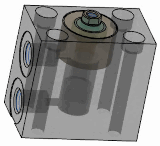
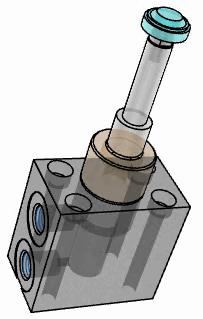
![Section [Cut] with measuring grid [Measuring grid]](https://webapi.partcommunity.com/service/help/latest/pages/en/partsolutions_user/doc/resources/img/img_3266573996054d53938a39e528f6cf7d.png)

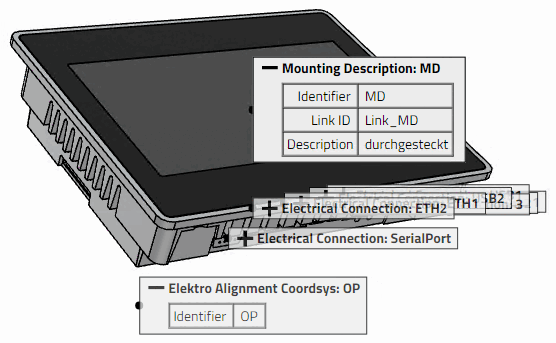

![[Tip]](https://webapi.partcommunity.com/service/help/latest/pages/en/partsolutions_user/doc/images/tip.png)