4.7.8.5. Create own class system (9.02, 9.01)

The user interface has been completely revised.[91]

Via Extras menu -> Class systems: edit... you can call up the Edit class system dialog box.
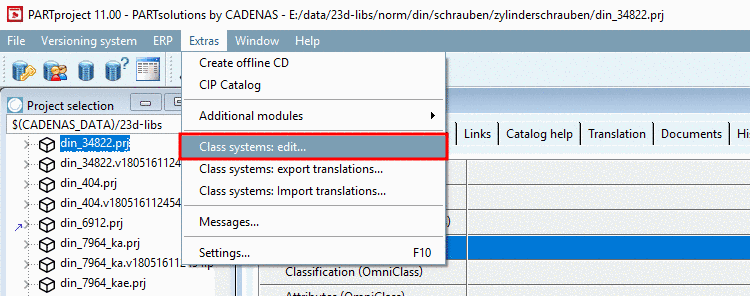
Menu: Extras -> Edit Class systems...

Menu: Extras -> Edit Class systems...

There are the following options:

  1. Create a new class system

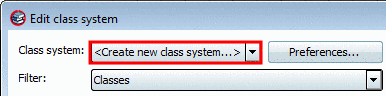
    In the list field select the option <Create new class system...>.

    Selection in the list field: <Create new class system...>

    Selection in the list field: <Create new class system...>

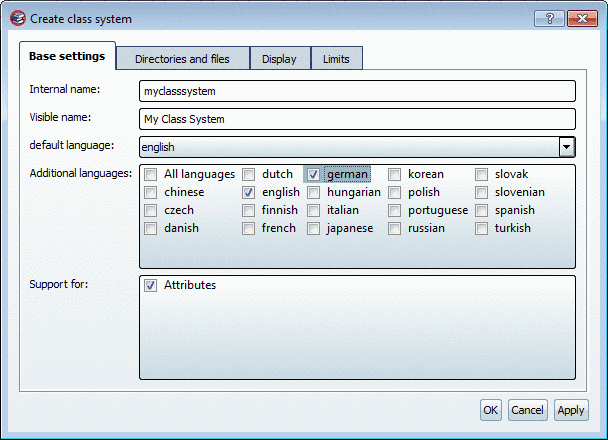
    -> The Create class system dialog box opens.

    Selection in the list field: <Create new class system...>

    Selection in the list field: <Create new class system...>

  2. Edit an existing class system

    In the list field select the respective option.

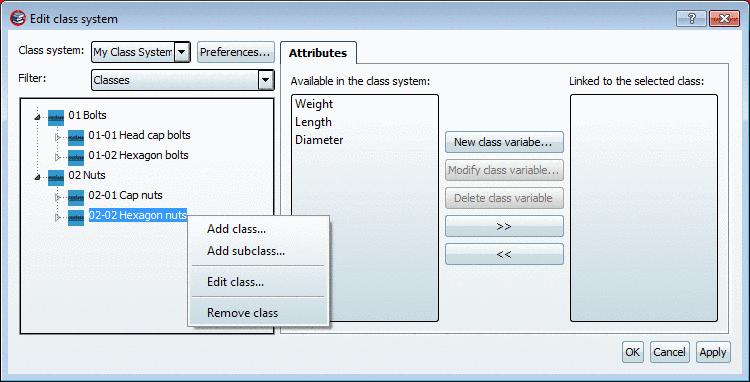
    -> Class tree and attributes of the respective class system are loaded.

    Example: Class system "myclass1" loaded

    Example: Class system "myclass1" loaded


[91] As of 9.02 also new class systems can be created and attributes can be edited.