|
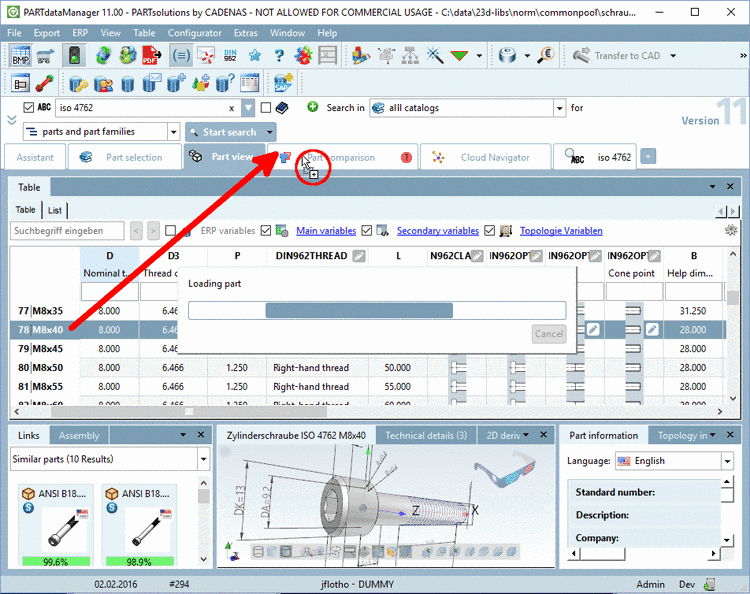
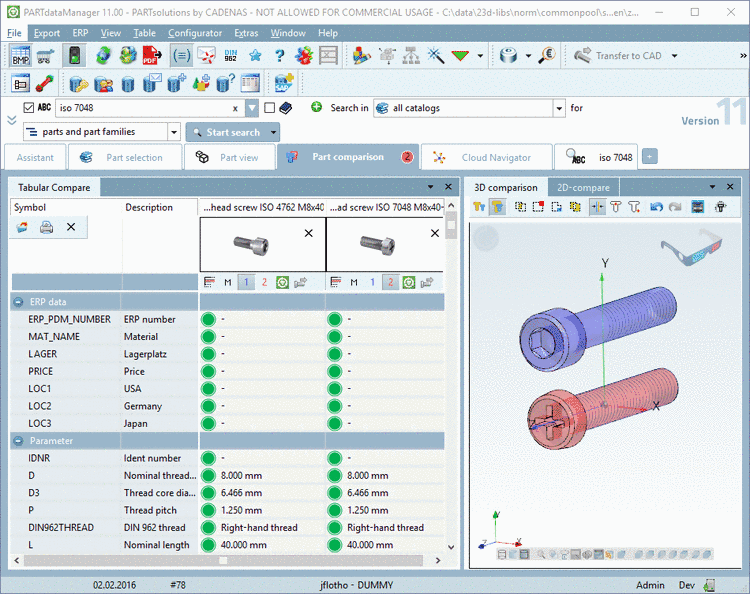
Now, as of V11 it is possible to transfer table lines into the part comparison. So a later adjustment of the size is not necessary in the part comparison.[21]
Simply select the desired table line and draw the cursor over the tab Part comparison with pressed mouse key.
-> Once the
cursor is over the tab, the cursor icon  changes and the part is loaded in the part
comparison.
changes and the part is loaded in the part
comparison.