

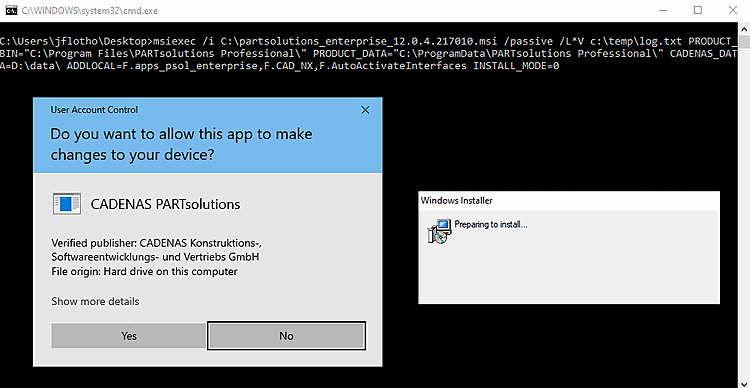
Non appena si esegue il file batch, si avvia l'installazione e si aprono le seguenti finestre:
![[Nota]](https://webapi.partcommunity.com/service/help/latest/pages/it/partwarehouse/doc/images/note.png)
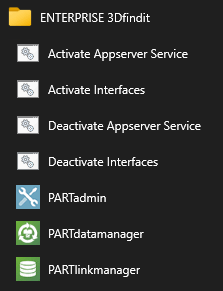
Una volta completata l'installazione, vengono visualizzate le voci corrispondenti del menu di avvio. I collegamenti Attiva interfacce / Disattiva interfacce avviano gli script batch menzionati in precedenza.
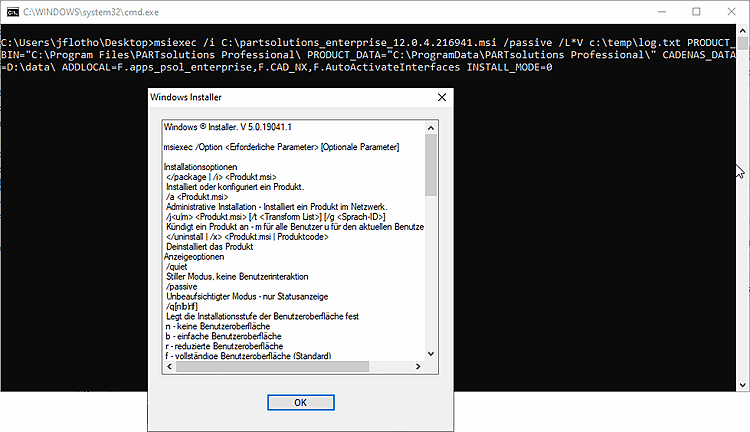
Se l'installazione non riesce, il comando
msiexec opzioni. Assegno
Inserisci i singoli parametri. Percorsi con spazi, ad esempio
devono essere racchiusi tra virgolette.
![[Suggerimento]](https://webapi.partcommunity.com/service/help/latest/pages/it/partwarehouse/doc/images/tip.png) | Suggerimento |
|---|---|
Utilizzare il parametro L*V come specificato sopra. Gli eventuali errori possono essere visualizzati nel file di log. msiexec /L*V c:\temp\log.txt
| |