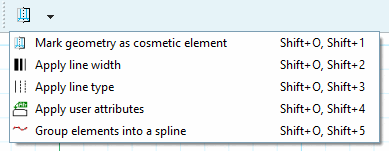
 geometria come elemento cosmetico
Segno [Mark geometry as cosmetic element]
geometria come elemento cosmetico
Segno [Mark geometry as cosmetic element]
Utilizzare il comando per contrassegnare la geometria come elemento cosmetico.
Gli elementi contrassegnati non vengono visualizzati in 3D, ma sono visibili nella derivazione 2D.
![[Nota]](https://webapi.partcommunity.com/service/help/latest/pages/it/partwarehouse/doc/images/note.png)
Nota Per creare una filettatura, utilizzare i pulsanti Filettatura cilindrica su lunghezza [Cylindrical thread by length] e Filettatura conica su lunghezza [Conical thread by lengths]. Vedere Sezione 7.9.3.14, “ Modifica -> Filetto ”
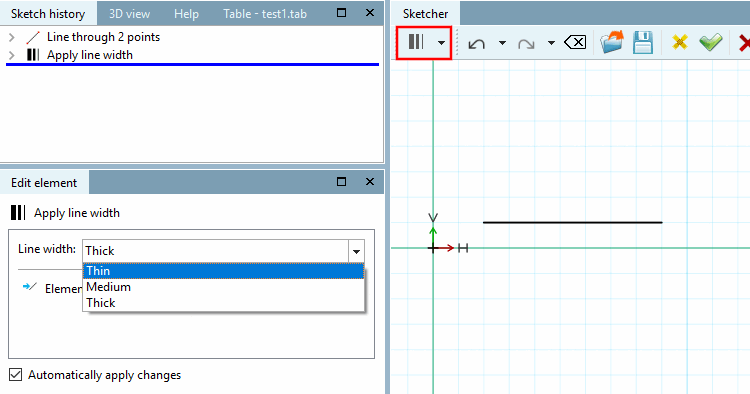
 Assegna larghezza linea [Apply line width]
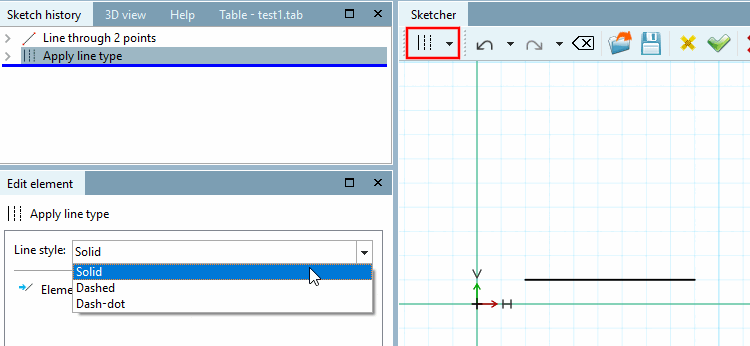
 Assegna stile di linea [Apply line type]
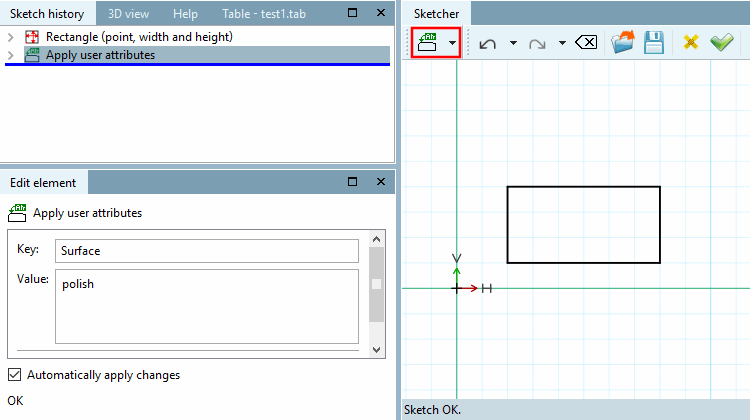
 applicare gli attributi utente [Apply user attributes]
Definire le caratteristiche individuali che devono essere trasferite successivamente al sistema CAD di importazione insieme all'elemento selezionato.
 elementi in una spline
gruppo [Group elements into a spline]
elementi in una spline
gruppo [Group elements into a spline]
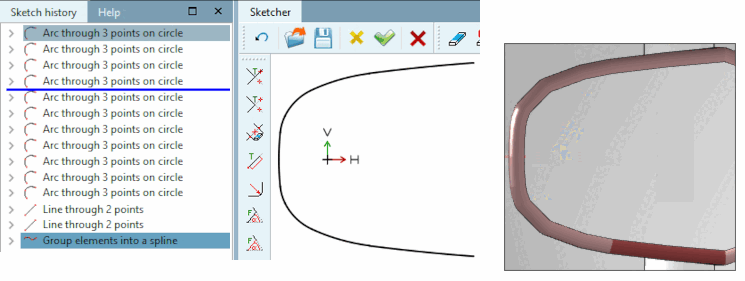
I singoli archi possono essere raggruppati in una spline utilizzando la funzione Raggruppa elementi in una spline [Group elements into a spline].
Se un componente contiene una curva con raggio variabile, è necessario approssimare questa curva utilizzando molti archi singoli (arco su 3 punti della circonferenza [Arc through 3 points on circle], vedere la figura seguente). La funzione spline consente ora di esportare non i singoli archi, ma il loro raggruppamento nella spline. Questo riduce la possibilità di errori durante l'esportazione, soprattutto quando si utilizza la funzione di fusione. Inoltre, la visualizzazione nella vista 3D è più accurata.
Vengono prima disegnati i singoli archi e poi viene applicata la funzione spline.