5.7. User Profile

  • How can I change my profile settings?

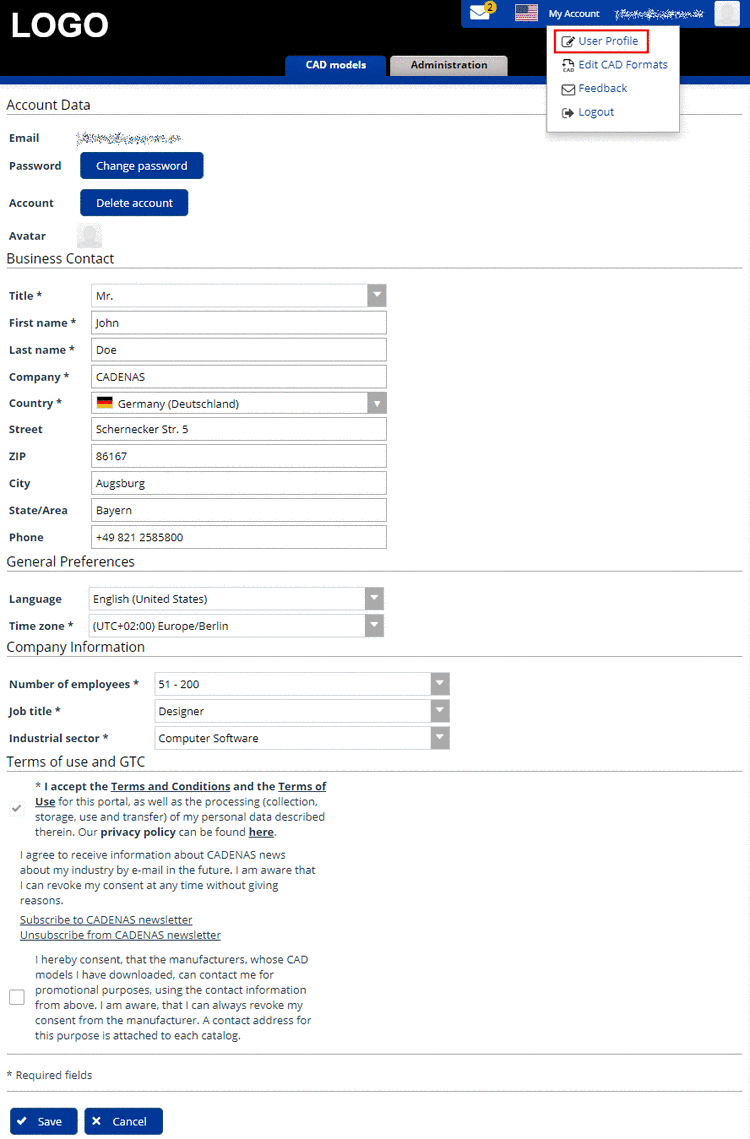
    1. Log in with your account data and under My Account, click on the item User Profile.

      User Profile

      User Profile

    2. Perform the desired changes.

    3. Confirm your changes by clicking on Save.

      ➝ The view switches to the main page.

  • How can I change my e-mail address?

    The e-mail address cannot be changed by you yourself. Please contact the Portal administration.

  • How can I change my password?

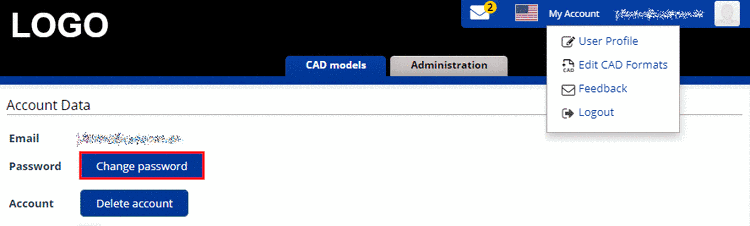
    1. Open the list field under My Account and click on User Profile.

      ➝ The dialog area Account Data is opened.

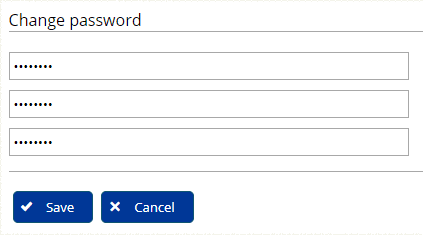
    2. Click on Change password.

    3. Enter old and new password and click on Save.

  • How can I delete my account?

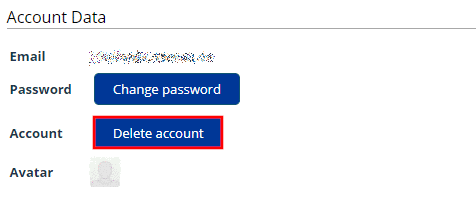
    1. Open the list field under My Account and click on User Profile.

      ➝ The dialog area Account Data is opened.

    2. Click on the button Delete account.

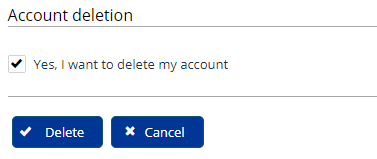
      -> The respective dialog is opened.

    3. Activate the checkbox Yes, I want to delete my account and confirm with Delete.