
 |
Under PARTdataManager -> Extras menu -> Settings... -> Search menu -> General index page you can find the Minimize search dialog after part selection setting option.
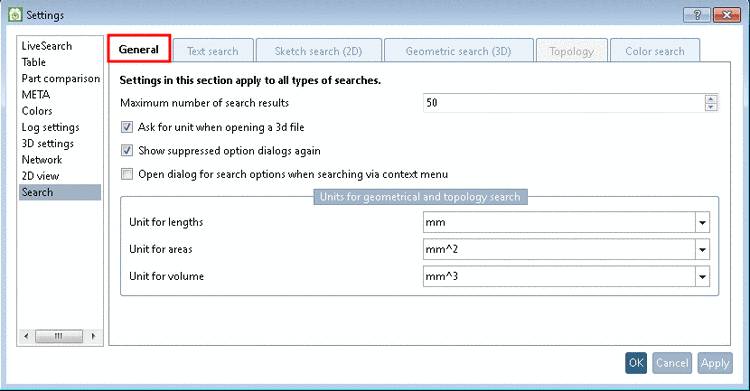
When you work with one single monitor, then it makes sense to minimize the Search/Compare dialog box. Thus the PARTdataManager main window is fully visible. But when you work with two monitors, possibly this setting is not desired. In this case clear the checkbox.
This setting concerns the following commands:
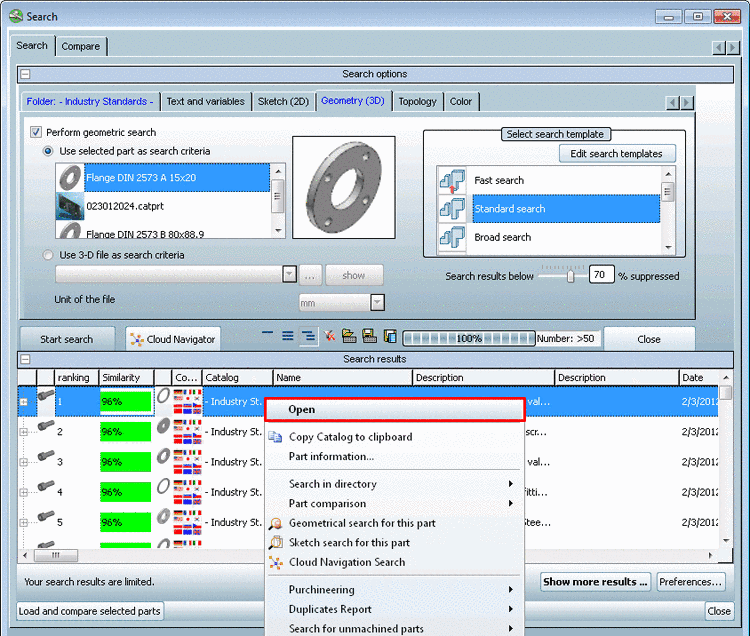
Search index page -> Search results -> Open context menu command or double-click on a line
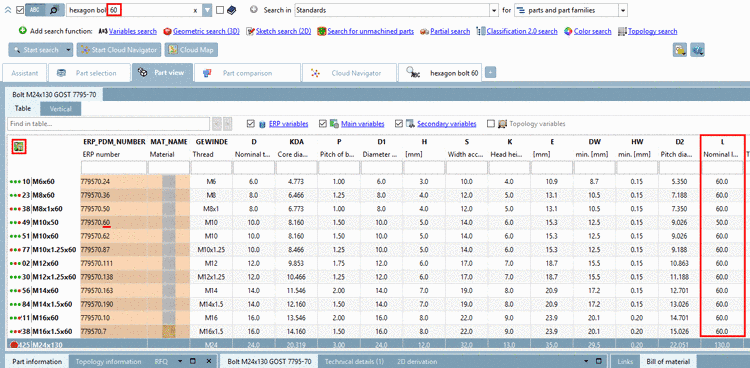
Search index page-> Search results -> Line with certain characteristic[64] -> Export to CAD context menu command
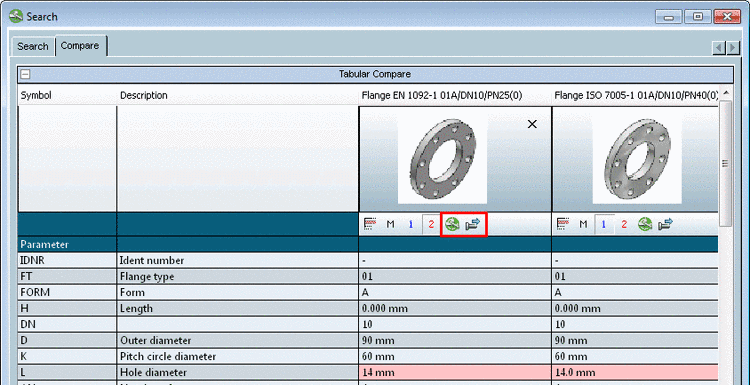
Compare index page -> Tabular Compare -> Open selected line in PARTdataManager and Export to CAD button
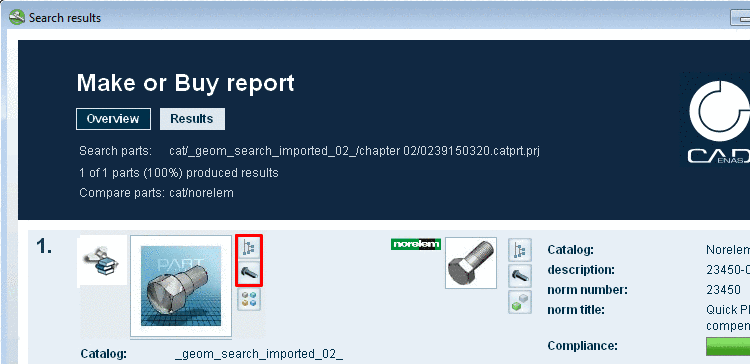
Results page of a "Purchineering", "Duplicates" or "Search for unmachined parts" Report -> Go to directory in catalog index and Open project buttons
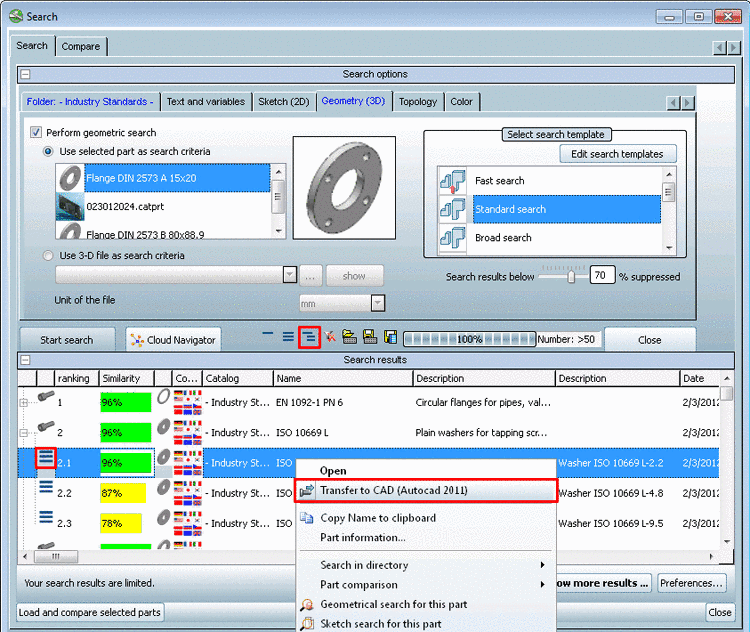
[64] The
characteristics are only displayed for selection Show parts 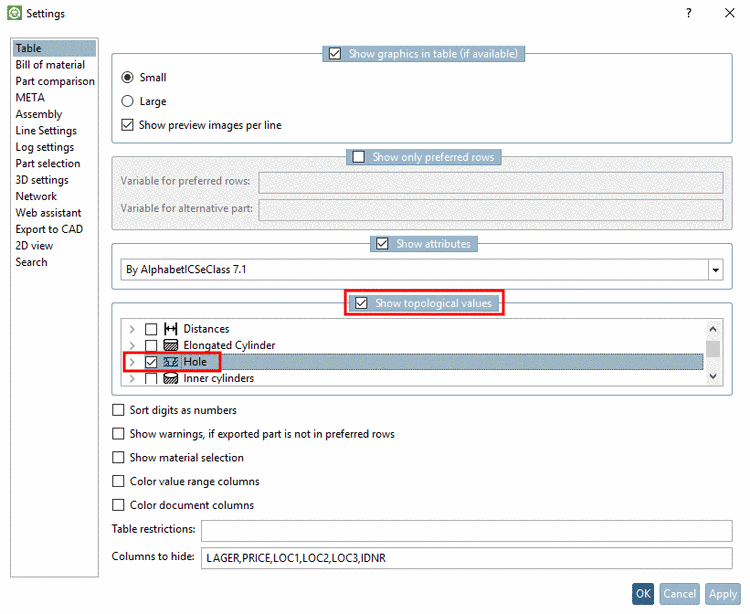 or Show parts and part families
  .
.