
5.10.2.
Derivazione 2D: estendere le viste standard
5.10.2.5. Aggiungere la quotatura prima dell'esportazione in PARTdataManager
|  |
| Indietro | Avanti |
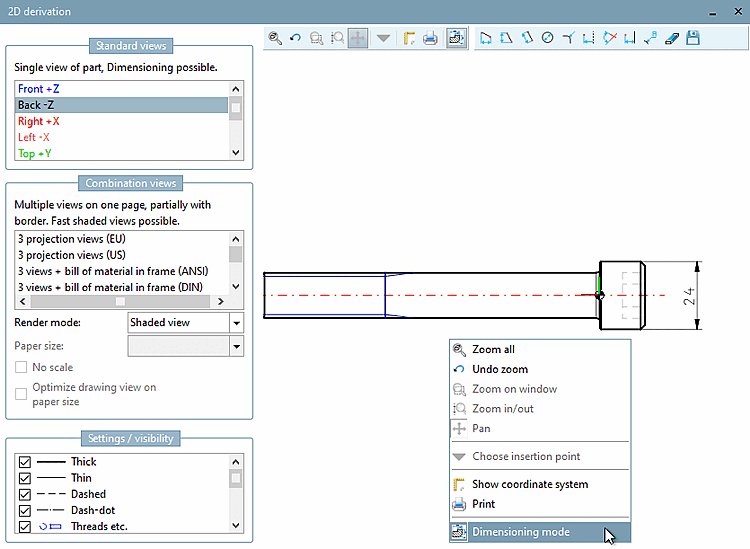
È possibile aggiungere una quotatura a una derivazione direttamente prima di esportarla nel sistema CAD.

![[Nota]](https://webapi.partcommunity.com/service/help/latest/pages/it/partwarehouse/doc/images/note.png) | Nota |
|---|---|
Sezione 7.9.3.15.3, “ Attributi -> Modalità di quotatura ”Informazioni dettagliate sui singoli strumenti della barra degli strumenti sono disponibili all'indirizzo . | |