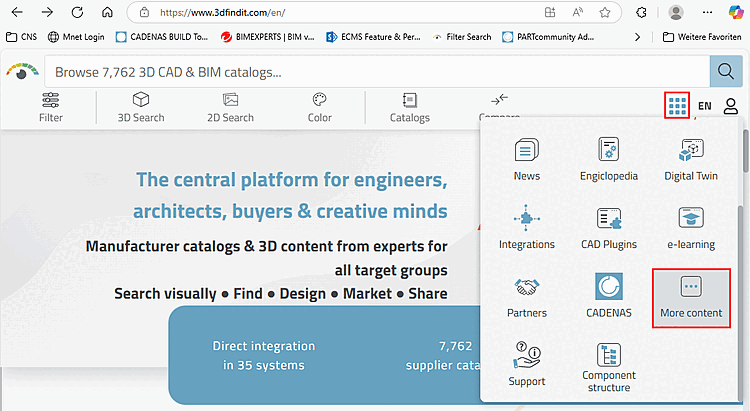
Rufen Sie in ENTERPRISE 3Dfindit oder eCATALOG 3Dfindit Anwendungen (PARTadmin, PARTproject, PARTdataManager, etc.) die Online-Hilfe über das Menü Hilfe [Help] oder über F1 auf.
![3Dfindit-Anwendung -> Hilfe [Help] Menü](https://webapi.partcommunity.com/service/help/latest/pages/de/partsolutions_user/doc/resources/img/img_7e4815514139497390123564ed6ac568.png)
Rufen
Sie im CAD-System, im ENTERPRISE-3Dfindit-Menü bzw. in der
Toolbar die Online-Hilfe mit Klick auf
 auf.
auf.
![CAD-System -> Hilfe [Help] Button](https://webapi.partcommunity.com/service/help/latest/pages/de/partsolutions_user/doc/resources/img/img_92ce136a9542478ea8699bcaca2a3b68.png)
![[Hinweis]](https://webapi.partcommunity.com/service/help/latest/pages/de/partsolutions_user/doc/images/note.png)