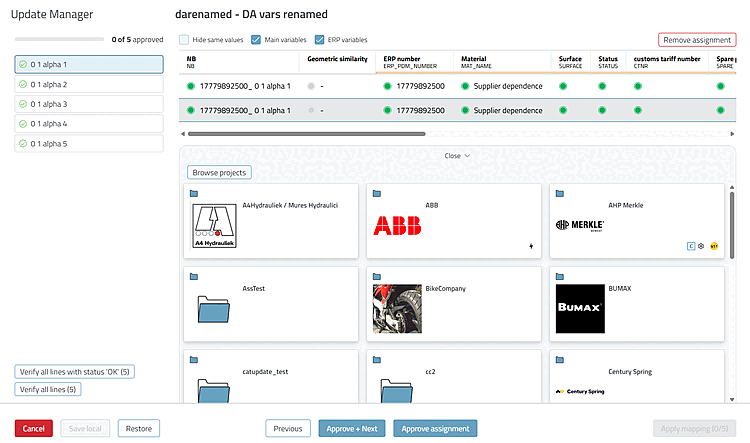
Click " " at the bottom of the comparison view to open the selection view. It displays a condensed line comparison at the top and the project table below it. There, select the line you want to assign. Click “Close” to close the selection view.
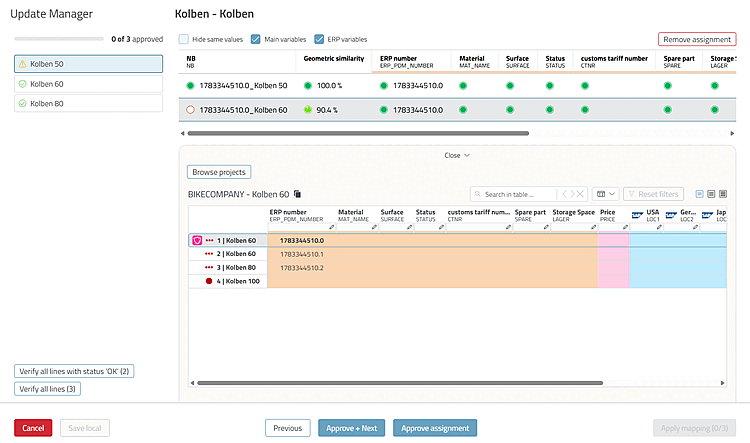
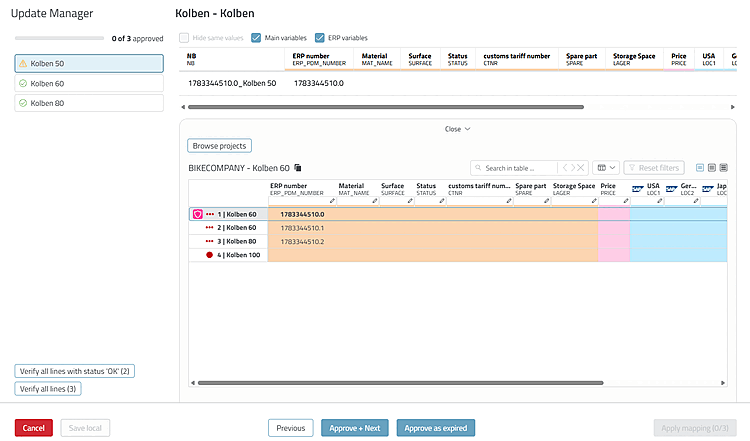
If the row you're looking for is in a different project, use "Browse projects" to go to the project overview and search for it there.