

The context menu command Search directory opens the search [Search] window (alternatively Ctrl F). Enter the search term under File name and click .
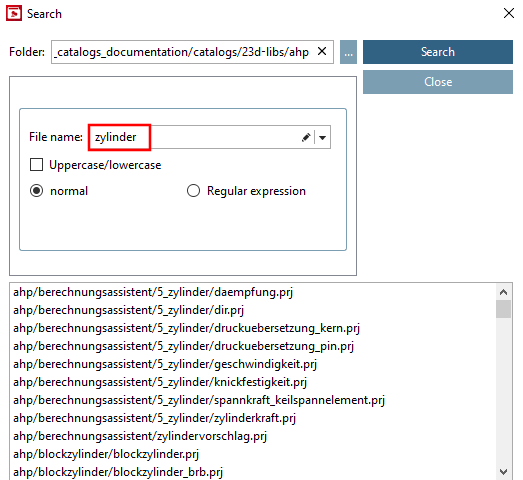
The first search indexes the catalog, so the initial process takes longer than usual.
You can double-click on a search result to select it in the project selection [Project selection].
![[Note]](https://webapi.partcommunity.com/service/help/latest/pages/en/ecatalogsolutions/doc/images/note.png)