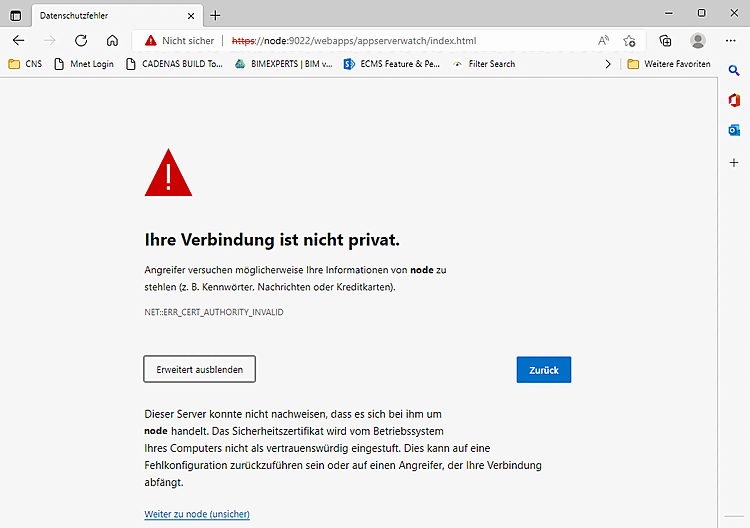
Open the PARTapplicationServer dashboard on a client.
https://servername.cadenas.internal:9022/webapps/appserverwatch/index.html
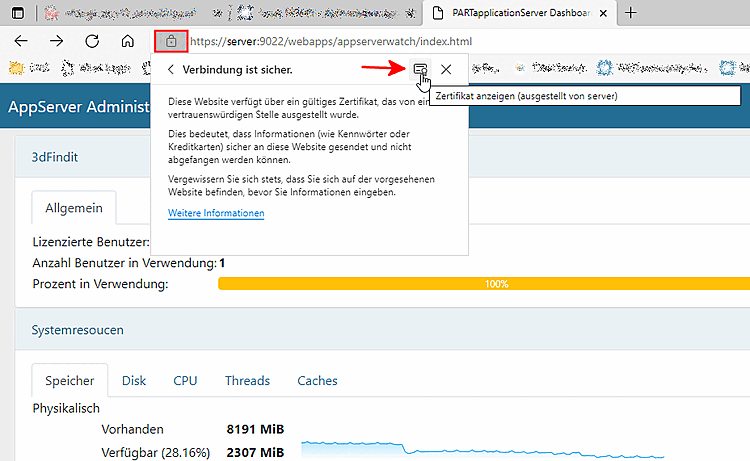
Click the lock icon (shown here using Edge as an example).
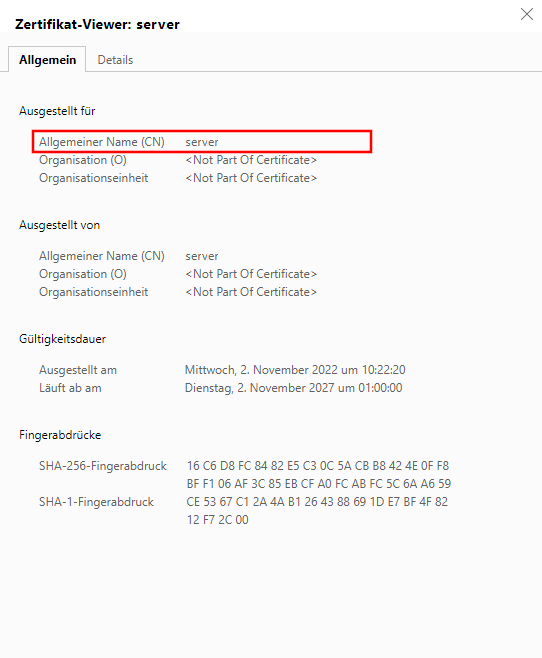
Click the " View Certificate" icon.
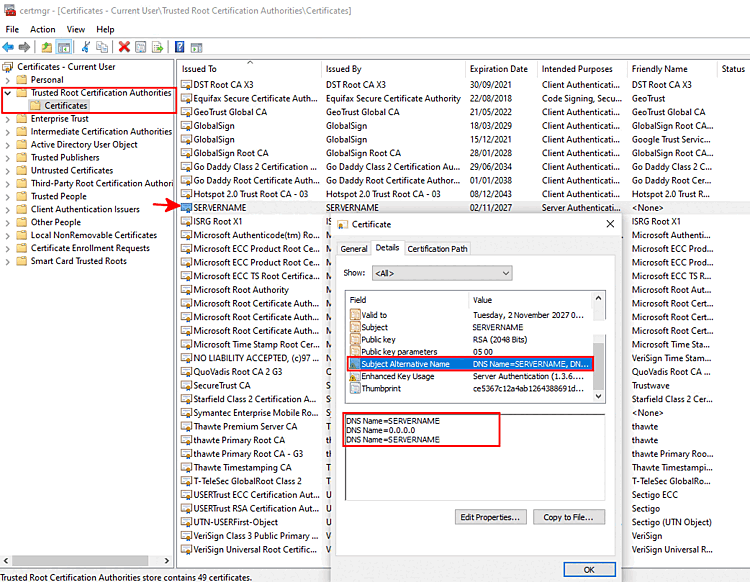
Press the Windows key + R, type certmgr.msc, and open the Windows Certificate Manager.
Double-click the certificate you want.
On the Tabbed page , you can see the DNS names under " Alternative Applicant Name."
In PARTadmin, the following is displayed in the lower-right corner of the status bar:
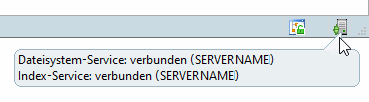
If an error occurs, the icon is red.
In addition, if an error occurs when opening the dashboard, the message “Not secure” is displayed.