1.7.4.7.3.2.  Keys "LoadGeometryEnabled" and "LoadFromCadEnabled"

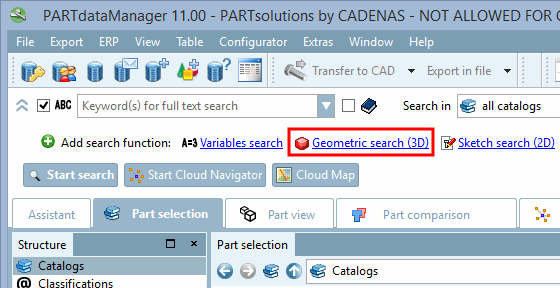
After clicking on " Geometric Search (3D) [Geometric search (3D)]," the dialog box of the same name opens.

Open the "Geometric Search (3D) [Geometric search (3D)]" dialog box

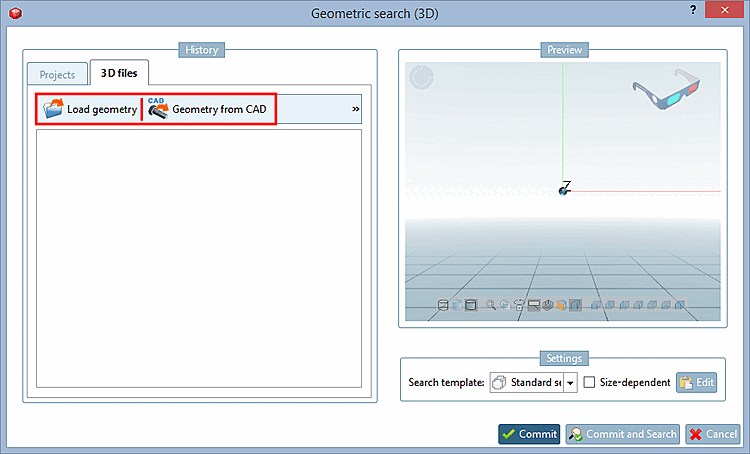
Open the "Geometric Search (3D) [Geometric search (3D)]" dialog box

On the tabbed page for [3D files] [3D files] " 3D Files [3D files] ", you can hide the " Load Geometry [Load geometry] " and " Geometry from CAD " buttons using a configuration key:

  • Geometry Load [Load geometry]:

    [SettingsSearch]
    LoadGeometryEnabled=0

    1: einblenden

    0: hide

  • Geometry from CAD [Geometry from CAD]:

    [SettingsSearch]
    LoadFromCadEnabled=0

    1: Show

    0: hide